How to Turn On the Ringer on Your iPhone (Every Model)
Learn how to turn on the ringer on your iPhone using the Silent switch, Action button, or Settings. Plus, fix calls that still won’t ring on your iPhone.

Learn how to turn on the ringer on your iPhone using the Silent switch, Action button, or Settings. Plus, fix calls that still won’t ring on your iPhone.
Learn how to see your iPhone location history using Apple Maps Visited Places, Significant Locations, and Google Maps Timeline, plus how to delete past visits.
Learn how to access internal storage on Android using Files or Samsung My Files, browse folders from a Windows PC, and fix missing files or USB issues.

Learn why Chromebooks lack a traditional BIOS menu, how to enter Recovery Mode, check firmware information, and understand boot and Developer Mode options.

Learn how to make your iPhone discoverable over Bluetooth, pair compatible devices, and fix common problems when another device can’t find your iPhone.

Show two time zones on your iPhone Lock Screen using built-in Clock widgets. Follow easy steps to add another city, change time zones, or remove a clock.
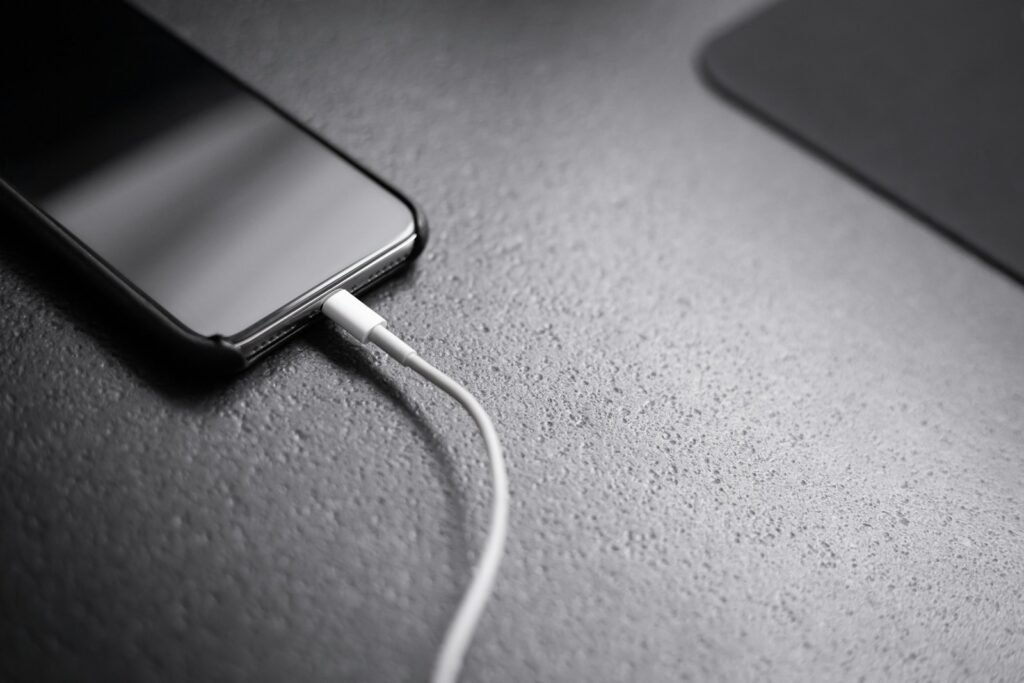
Learn how to charge an iPhone with another iPhone using USB-C or Lightning. See compatible models, which phone supplies power, speed, and common fixes.
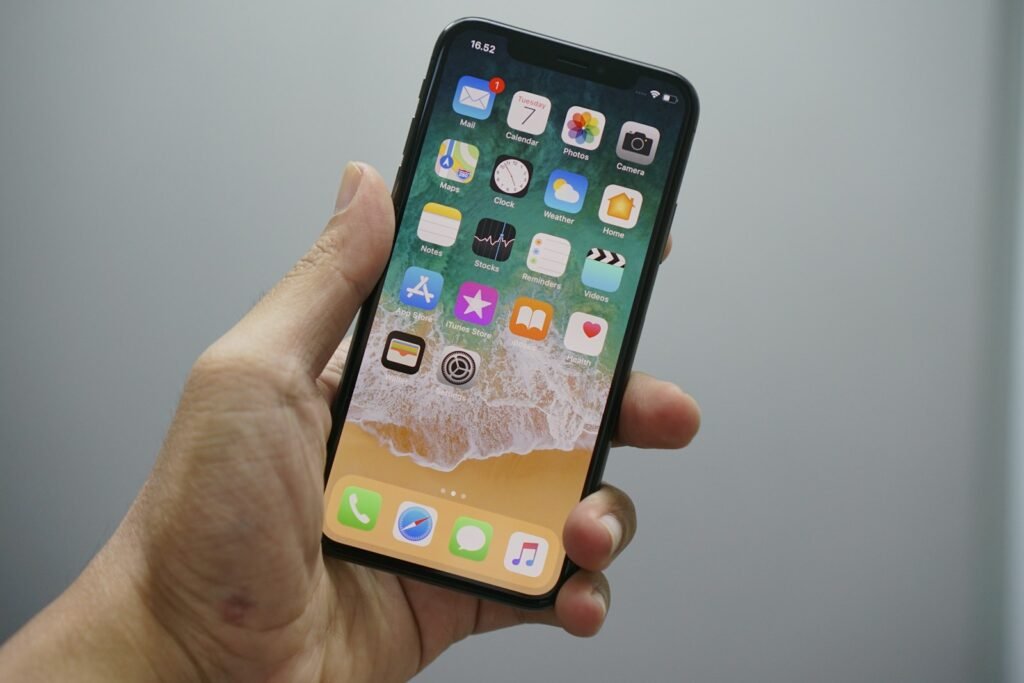
Restore your iPhone Home Screen to its original layout. Learn when to reset, how to find missing apps and pages, and how to fix large icons or a zoomed screen.
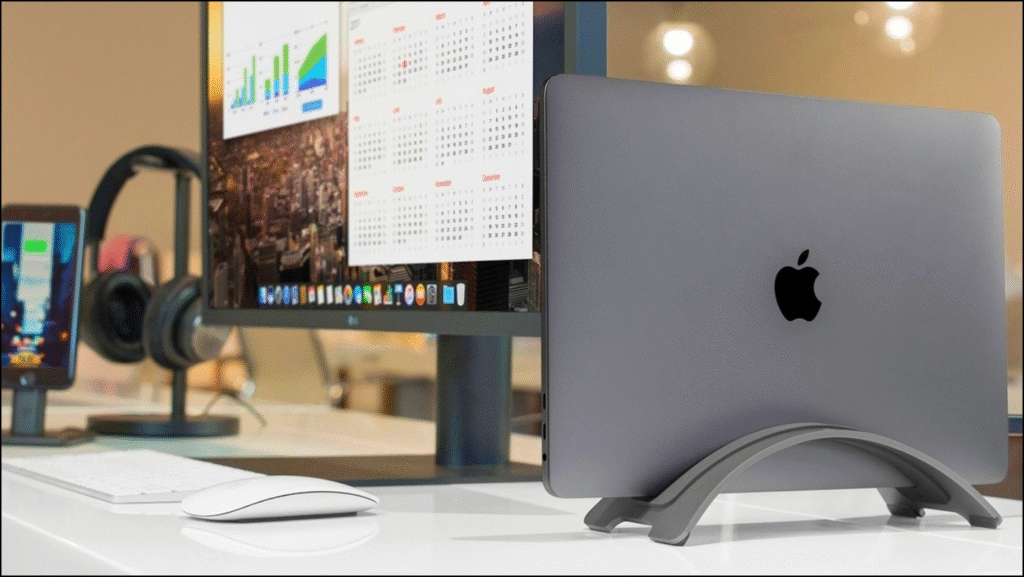
When you already have everything you need on a bigger monitor, you may not need an extra screen. By simply
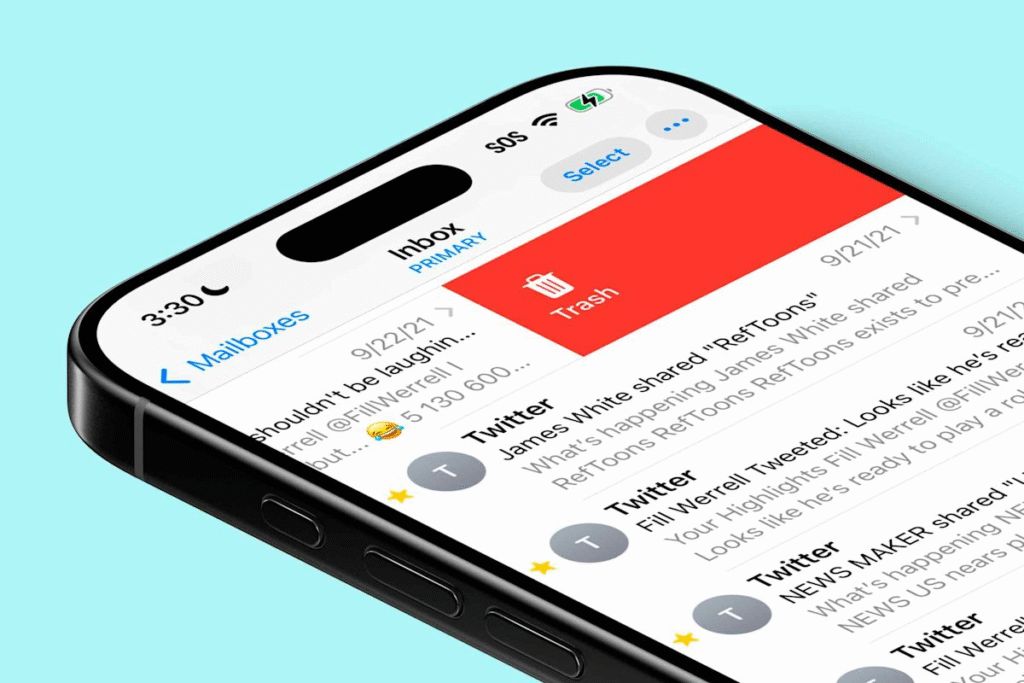
It can be really frustrating when you can’t find a message you need in your inbox due to a huge
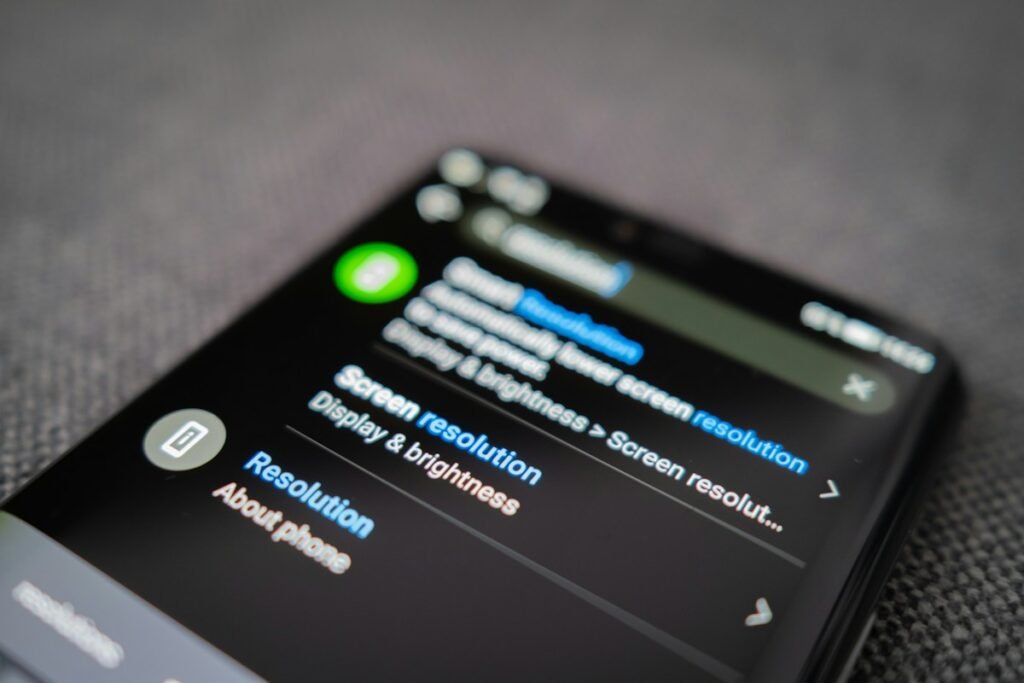
Answer a locked Android phone with a swipe, a tap, the Volume button or your voice, and fix incoming calls that don’t show up on the lock screen.
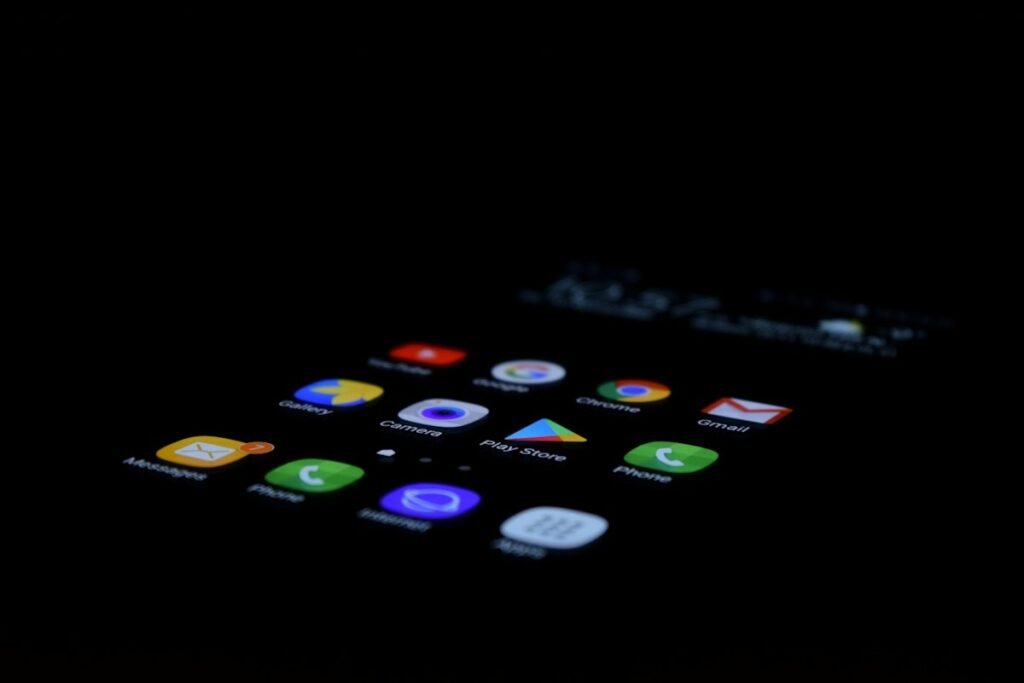
Explore common Android pre-installed apps on Pixel and Samsung phones. Learn how to find system apps, remove bloatware, and safely disable unwanted apps.
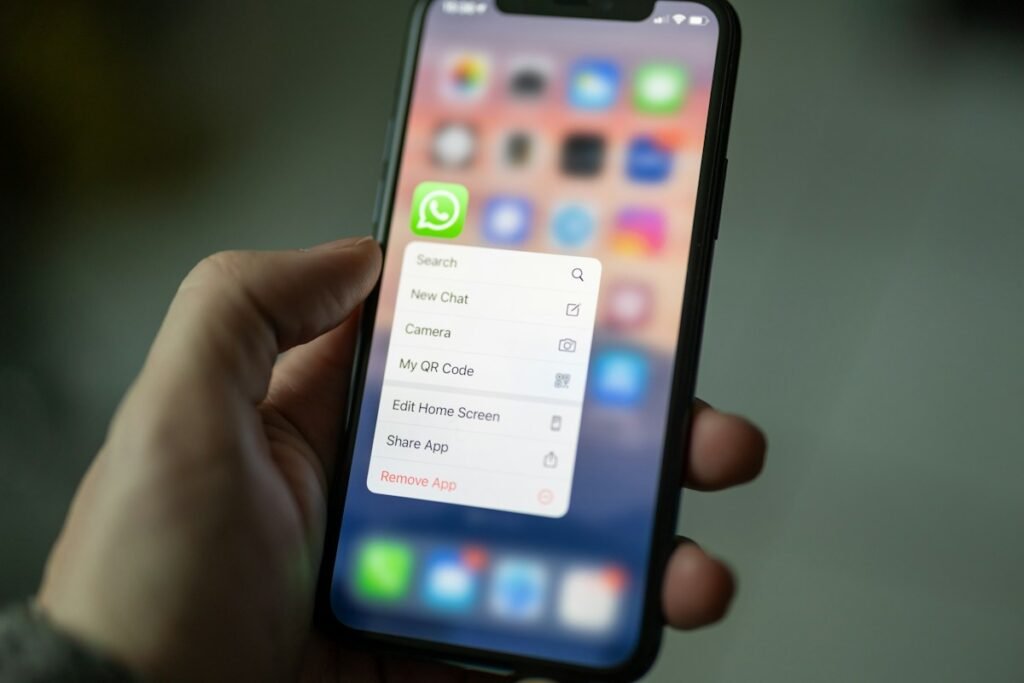
iPhone has no button to text all your contacts at once. Here are the workarounds: group texts, Shortcuts, Contacts lists and bulk SMS services for businesses.

Does Yahoo Search keep showing up on your Mac? In this guide, I will show you how to get rid

Do you want to transform your AirPods into walkie-talkies? In this guide, I will tell you all you need to

Are you experiencing poor bass quality on your AirPods Pro? In this guide, I will show you all you need
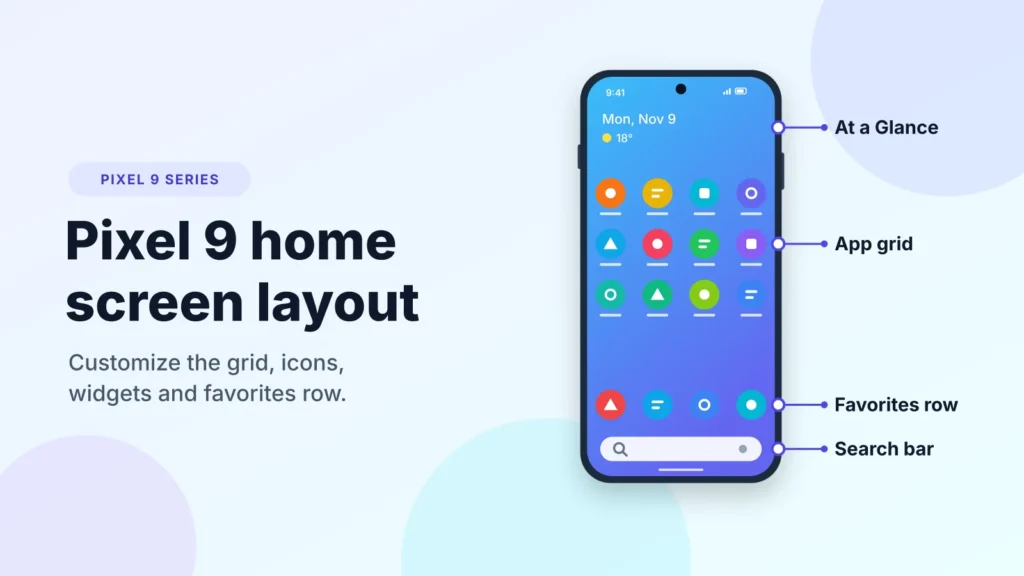
The Pixel 9 home screen layout looks simple out of the box: At a Glance across the top, a grid
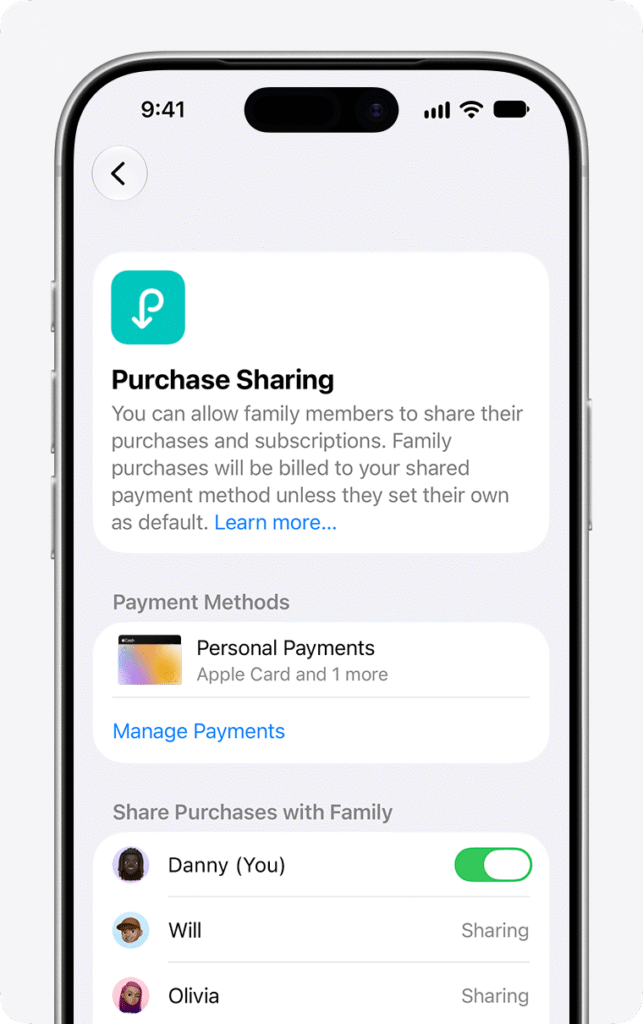
Do you see an unknown charge from Apple on your bank statement? In this guide, I will show you how
Why does my phone keep beeping when nothing shows up on the screen? Usually the cause is ordinary: an app
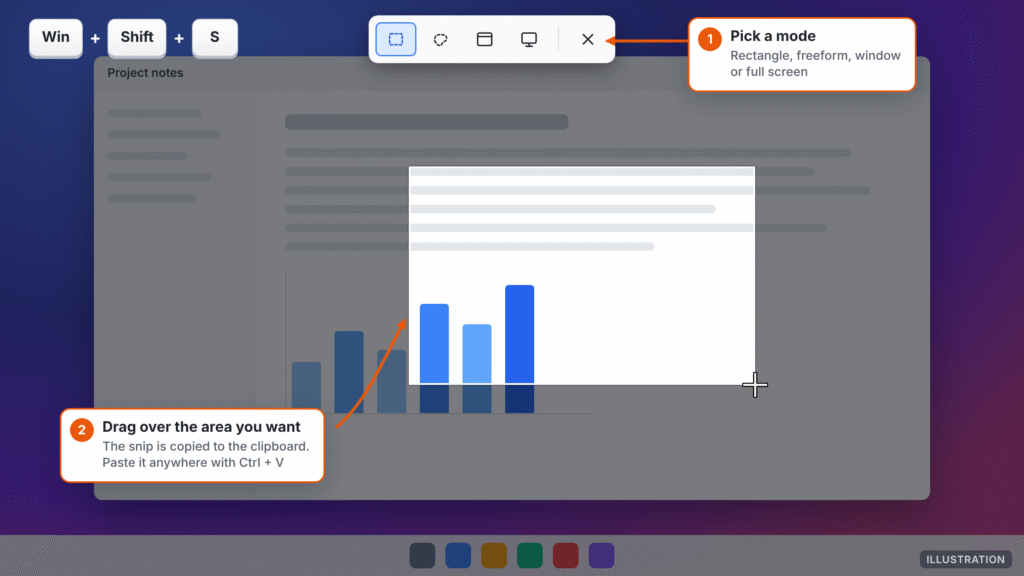
The fastest way to screenshot on an HP laptop or desktop is Windows + PrtScn. The screen dims for a
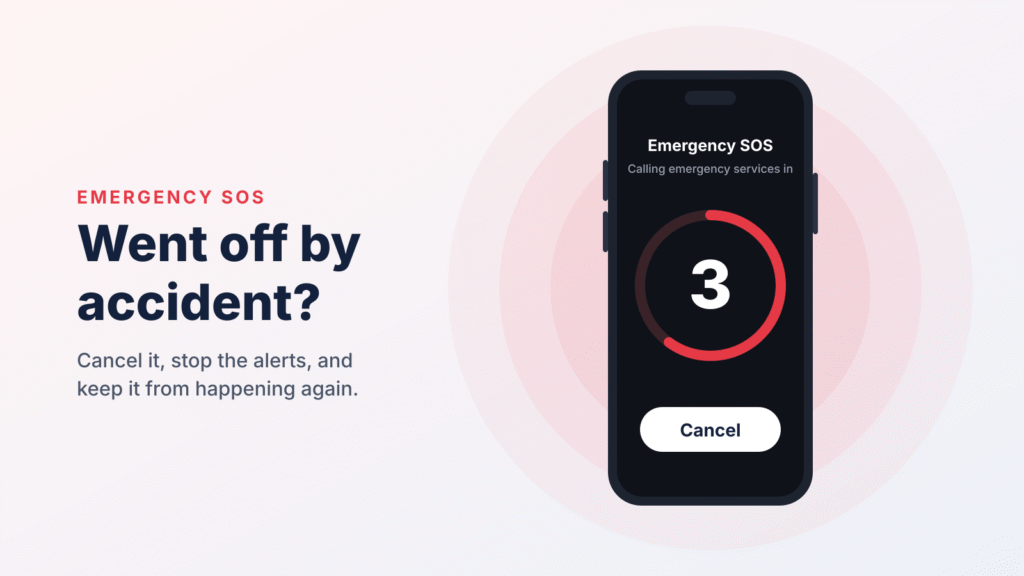
Did Emergency SOS just go off on your phone? If the countdown is still running, you can usually cancel it
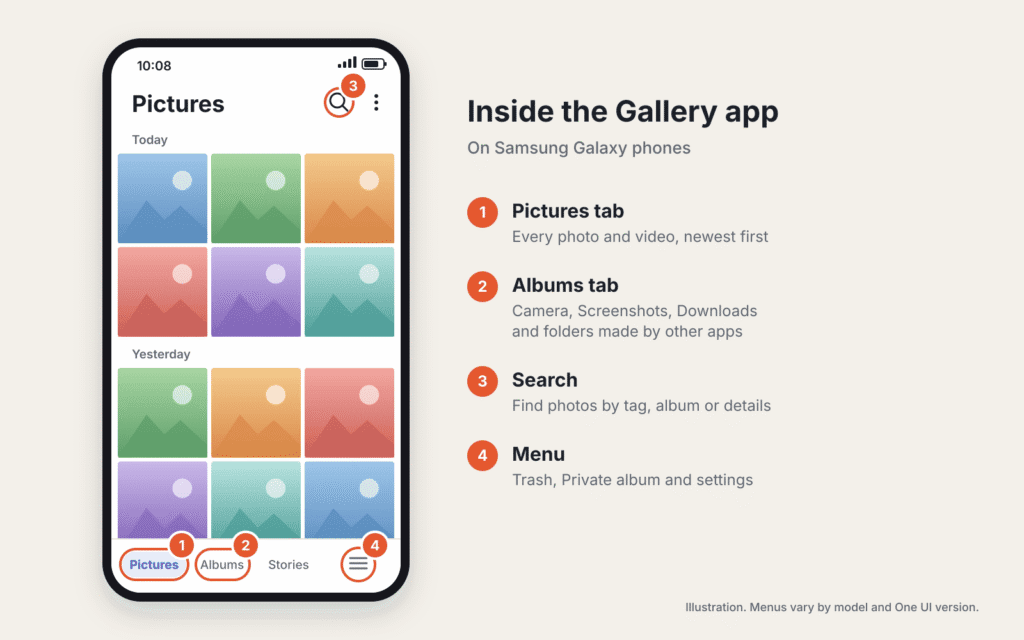
Can’t find the gallery on your phone? In most cases nothing is lost. The photo app just has a different
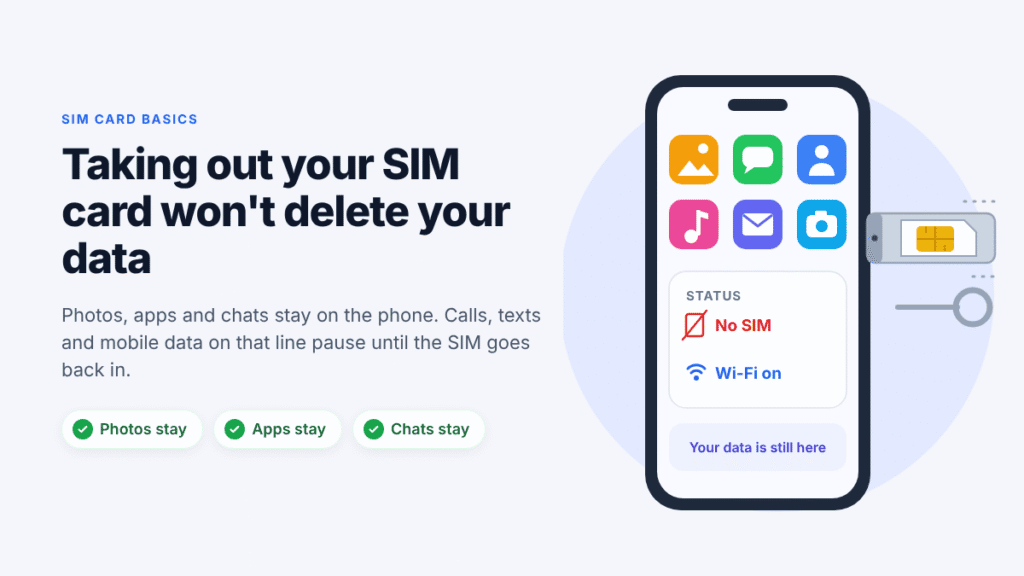
No, taking out your SIM card won’t delete everything on your phone. Your photos, videos, apps, chats and files live
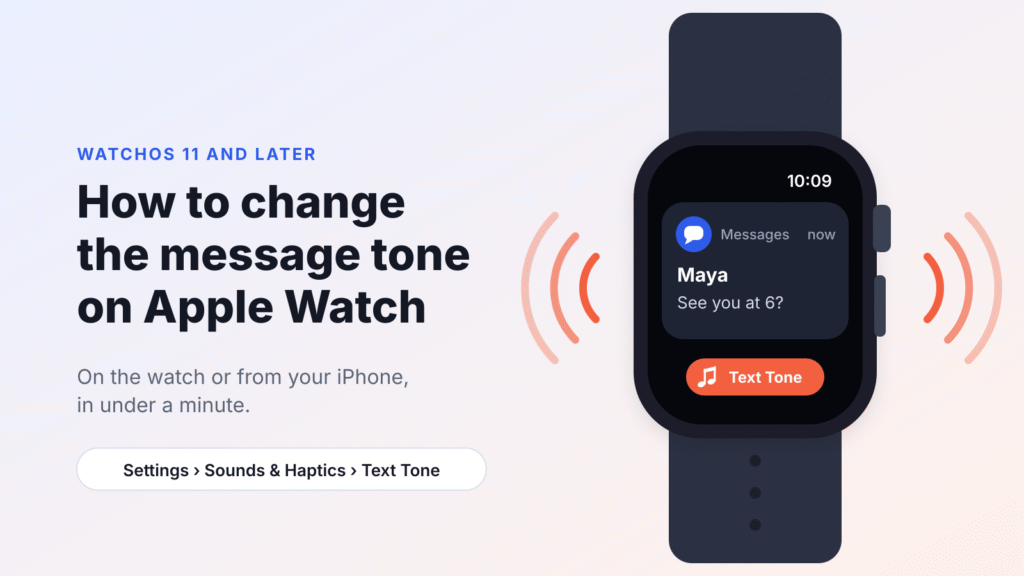
You can change the Apple Watch message tone in Settings > Sounds & Haptics > Text Tone on the watch,
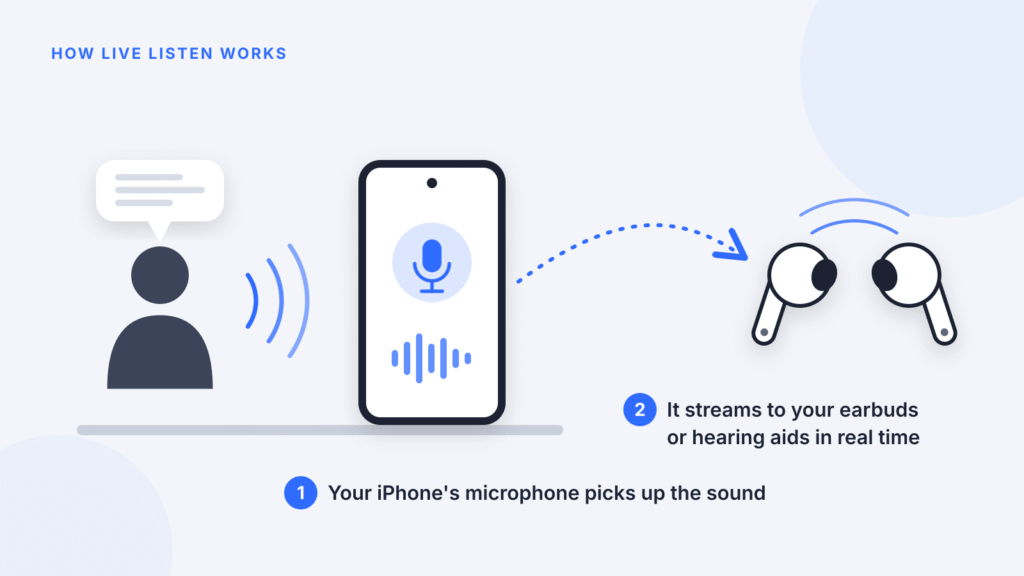
To turn off Live Listen on your iPhone, open Control Center, tap the Live Listen control, then turn off the
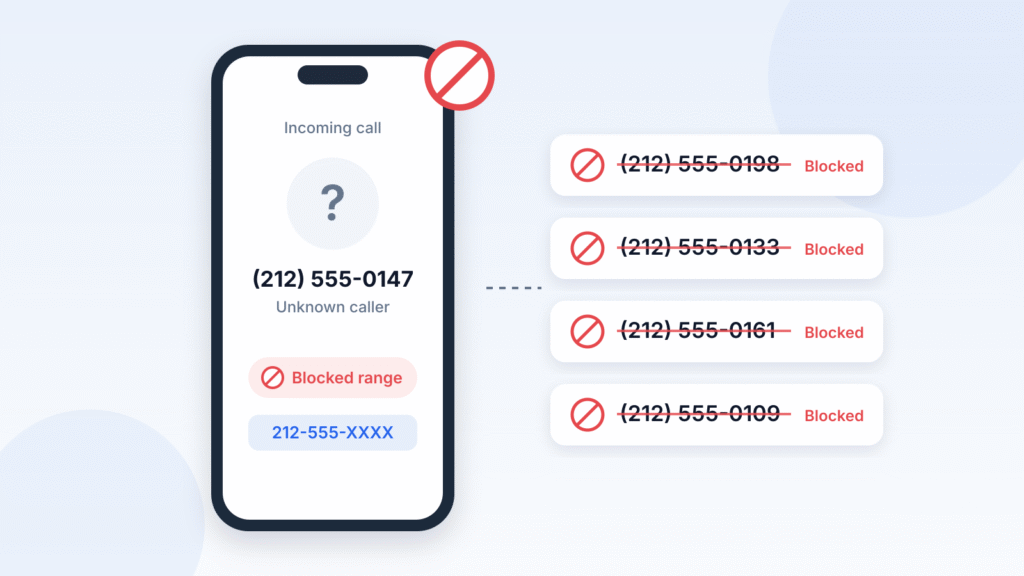
Quick answer: You can’t block an entire area code on iPhone using Apple’s built-in settings. iOS only lets you block
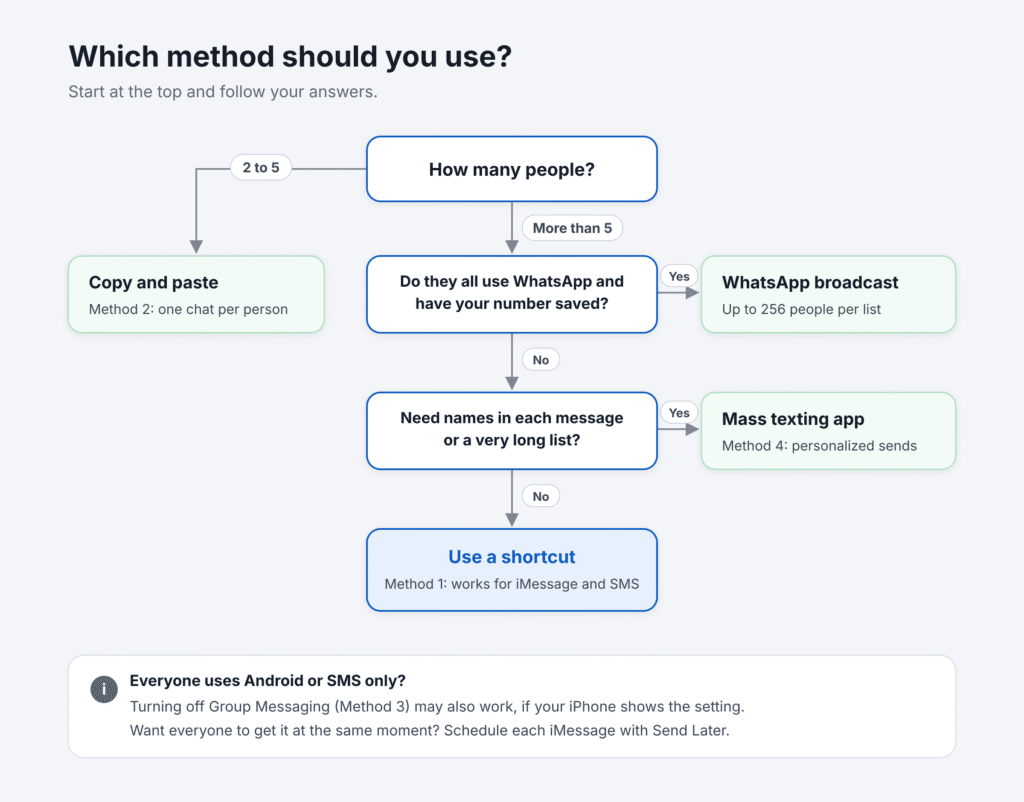
You need to send the same text to a dozen people, but you don’t want a group chat where every
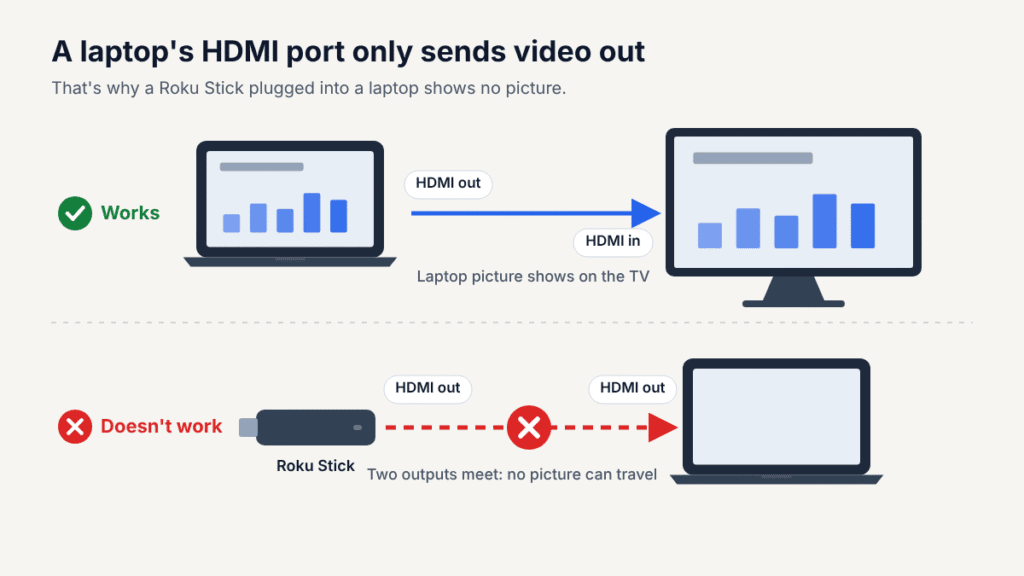
You can’t use a Roku Stick on a laptop the way you use it on a TV. The stick needs
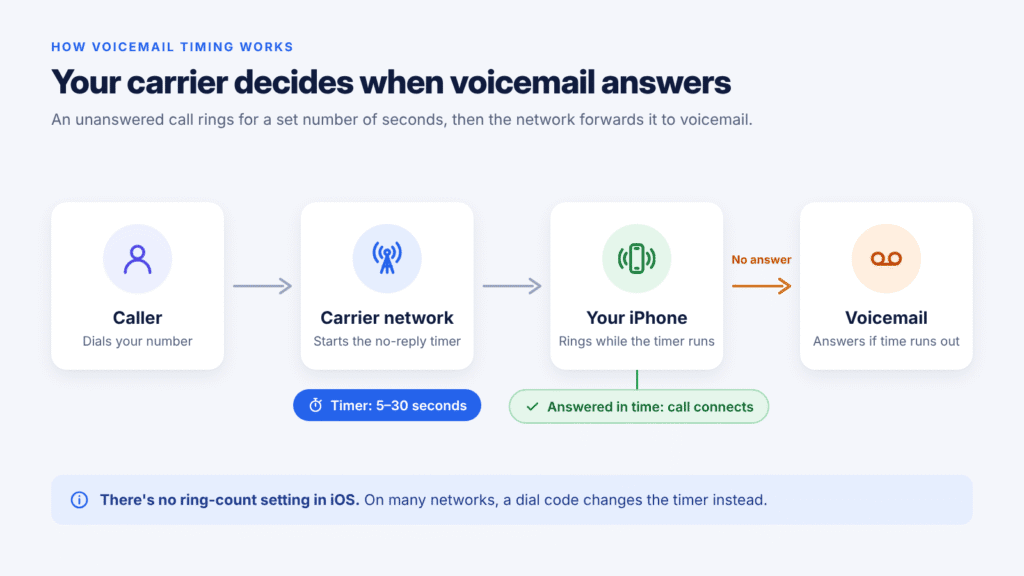
There’s no setting on your iPhone that changes the number of rings before voicemail. Your wireless carrier controls that, and
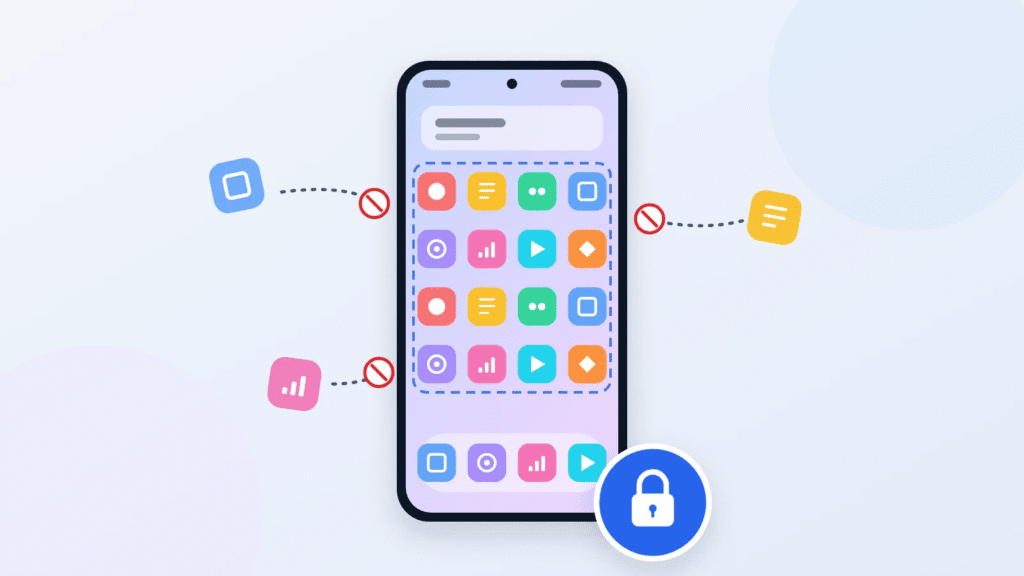
If your Android home screen icons keep moving, the cause is usually an accidental drag, a setting that adds new
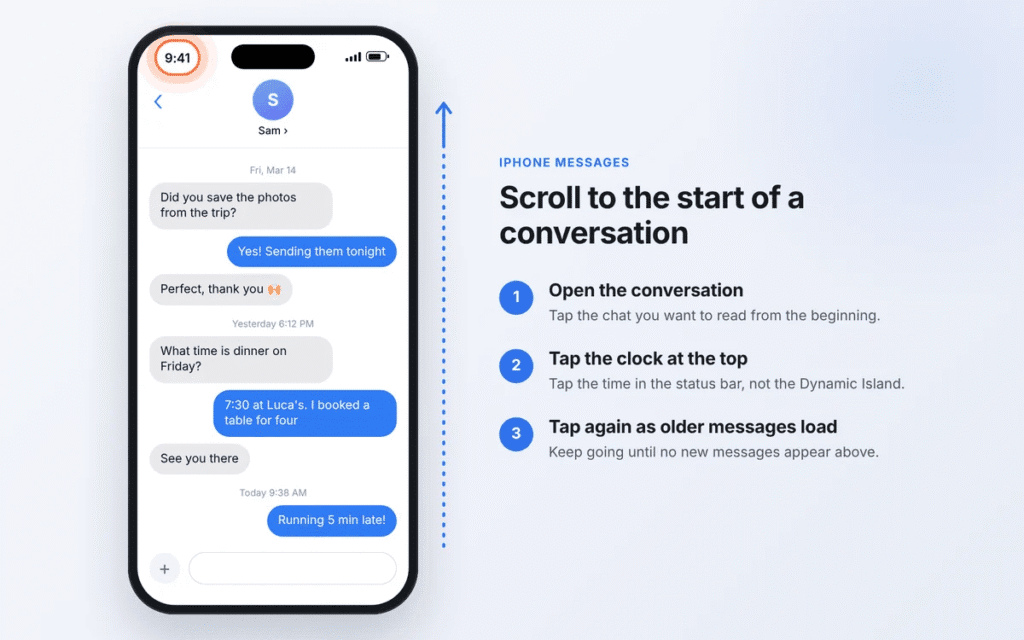
To go to the beginning of text messages on iPhone, open the conversation in Messages and tap the clock at

To see recent calls on iPhone, open the Phone app and tap Calls (Unified layout) or Recents (Classic layout) at
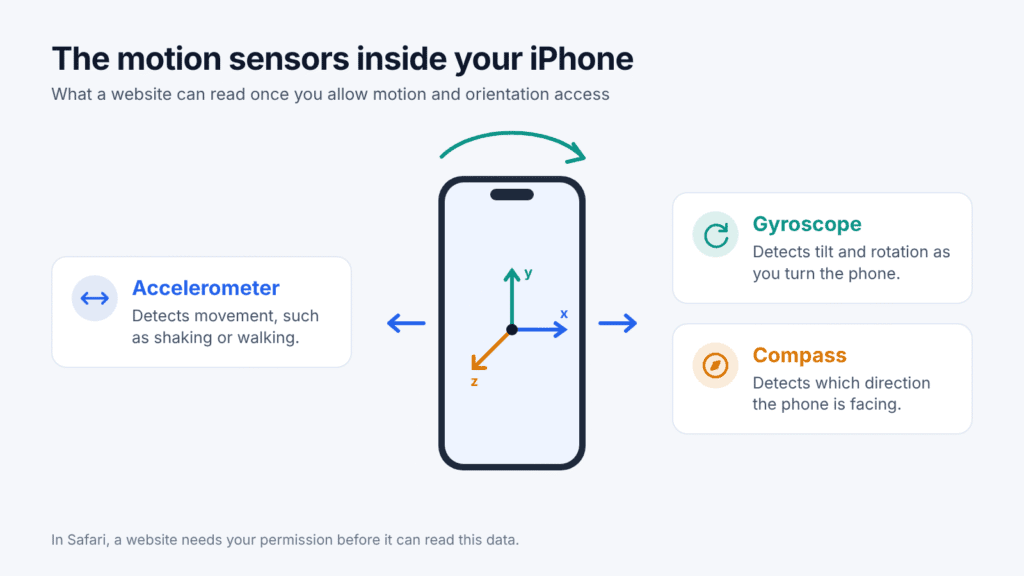
To enable motion and orientation access on iPhone, open the website in Safari, tap the button that starts its motion
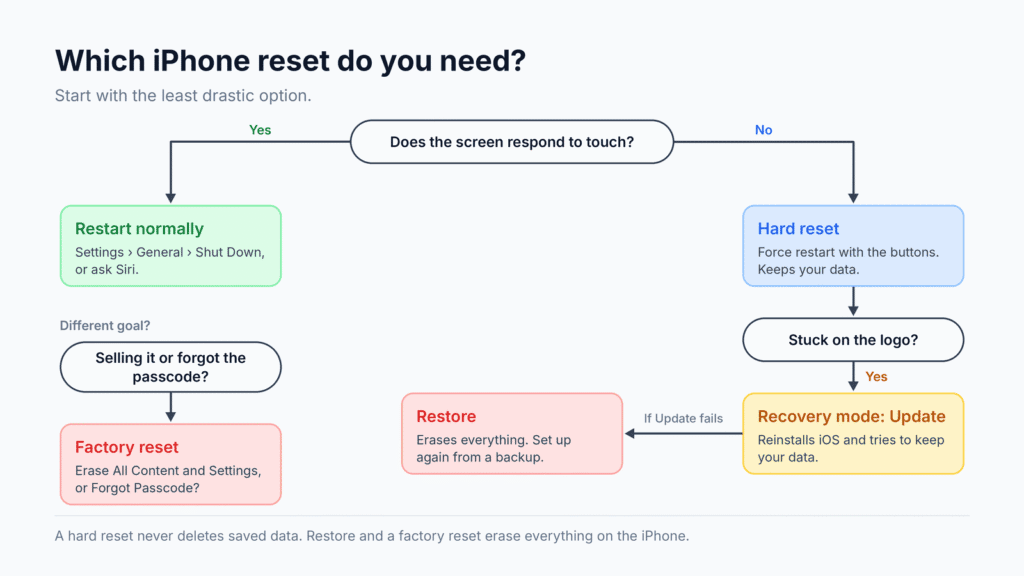
To hard reset an iPhone 8 or newer, press and release Volume Up, press and release Volume Down, then press
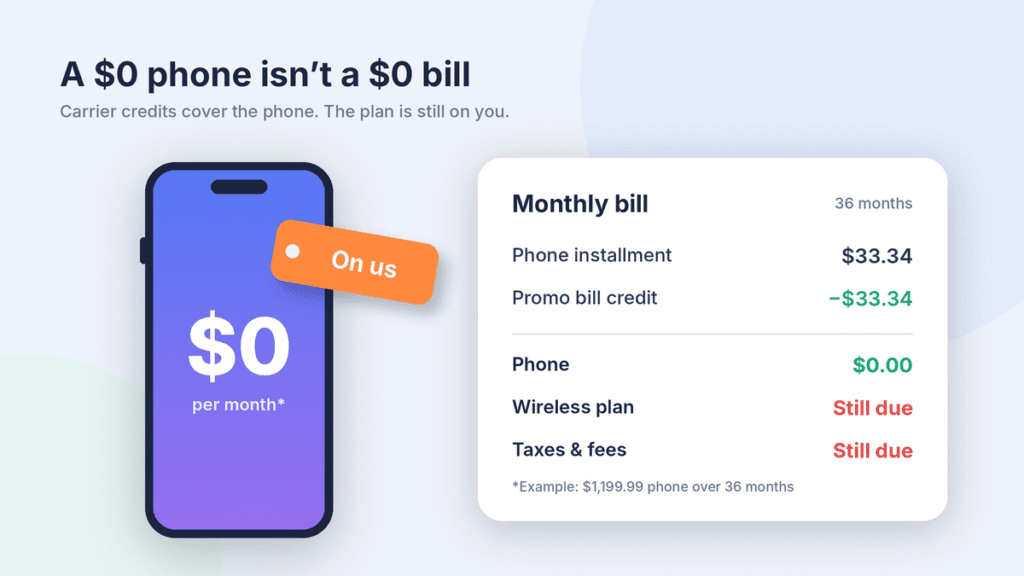
Yes, you can get an iPhone for $0 in 2026 through T-Mobile, AT&T or Verizon. But the phone comes with
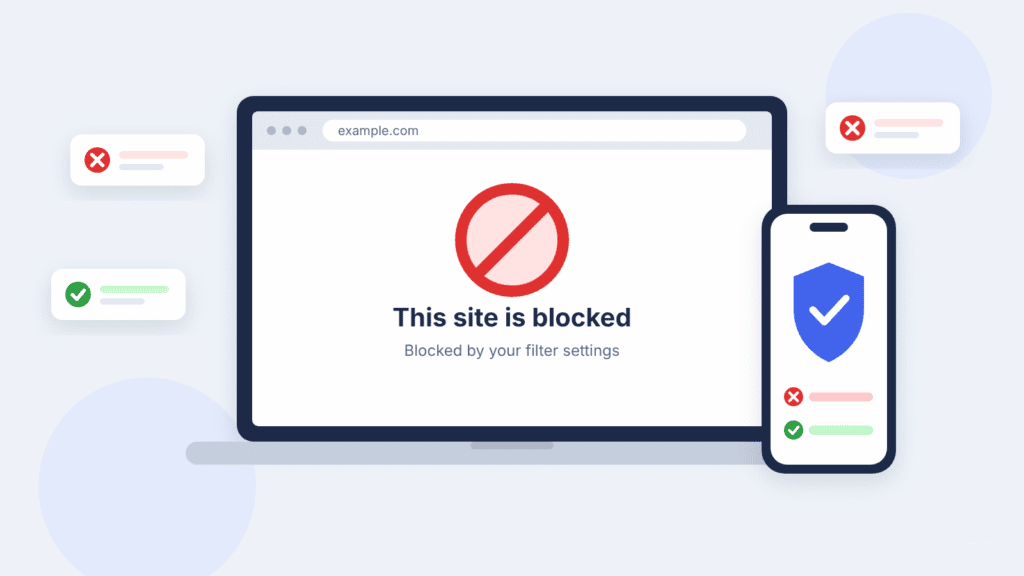
The fastest way to block a website depends on your device. Use Screen Time on an iPhone, iPad or Mac,

To clear Safari history on an iPhone or iPad, open Settings > Apps > Safari, tap Clear History and Website

Your iPhone may already be texting over Wi-Fi without you noticing. Messages travel over Wi-Fi in three ways: iMessage for

You can use Cash App on a computer without downloading anything. Go to the official website at cash.app, enter the

You can move your Safari bookmarks to Chrome on iPhone without a computer. Since iOS 18.2, Safari can export your
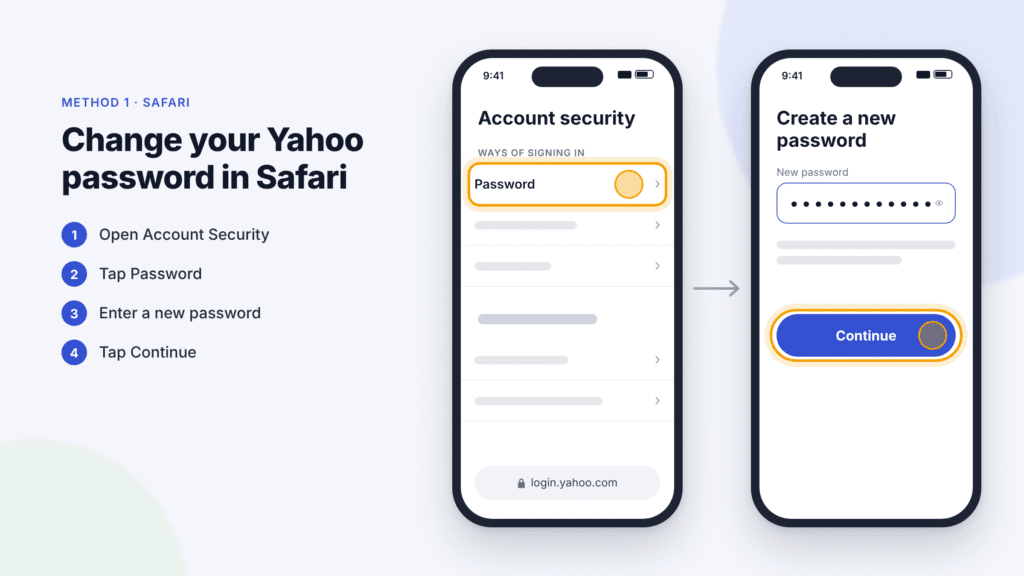
To change your Yahoo email password on iPhone, open Safari, sign in to the Yahoo Account Security page, tap Password
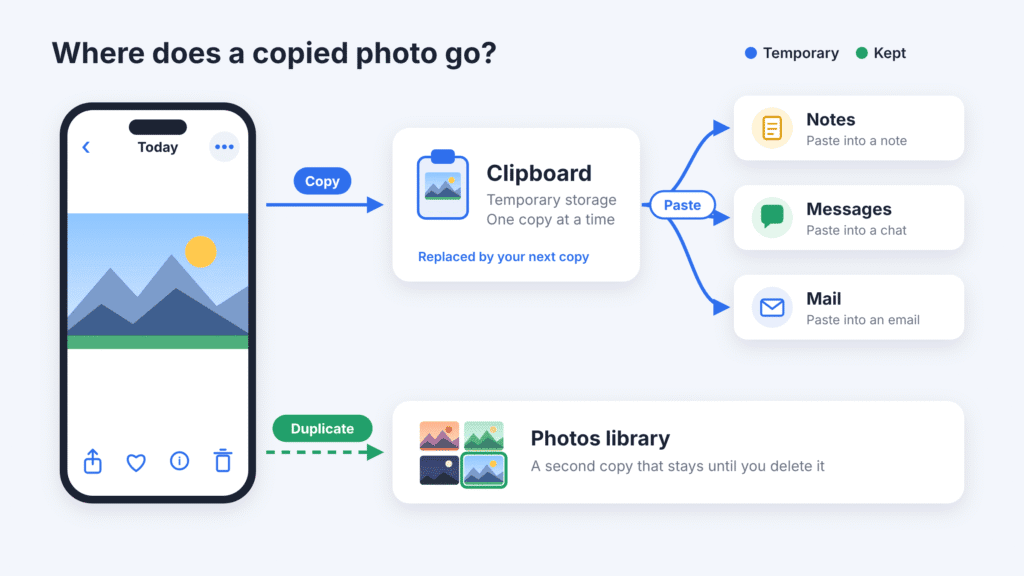
When you copy a photo on iPhone, it goes to the clipboard. That’s a temporary holding spot that keeps your
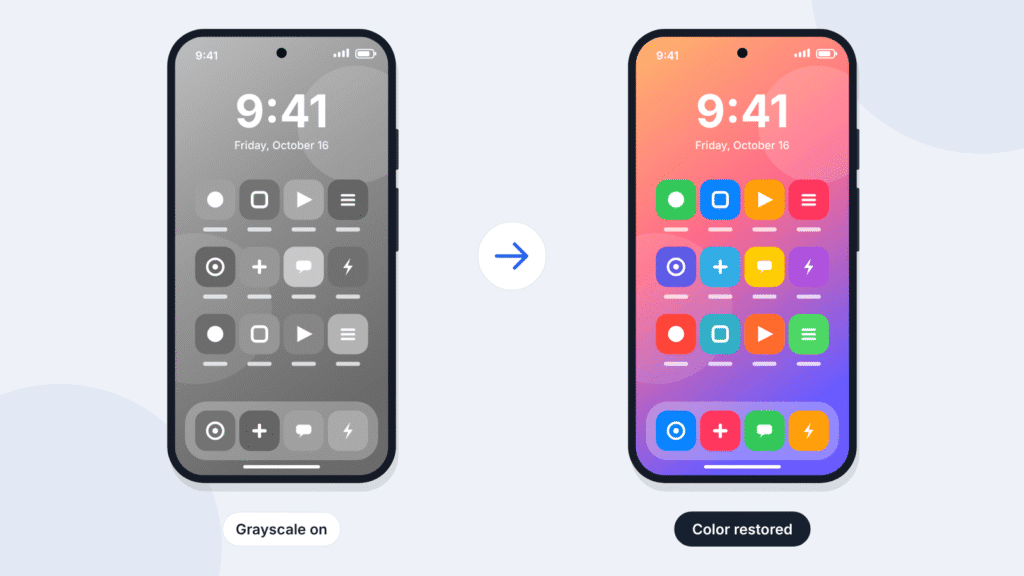
If your phone screen suddenly turned black and white, a setting is almost always the cause, not a broken display.
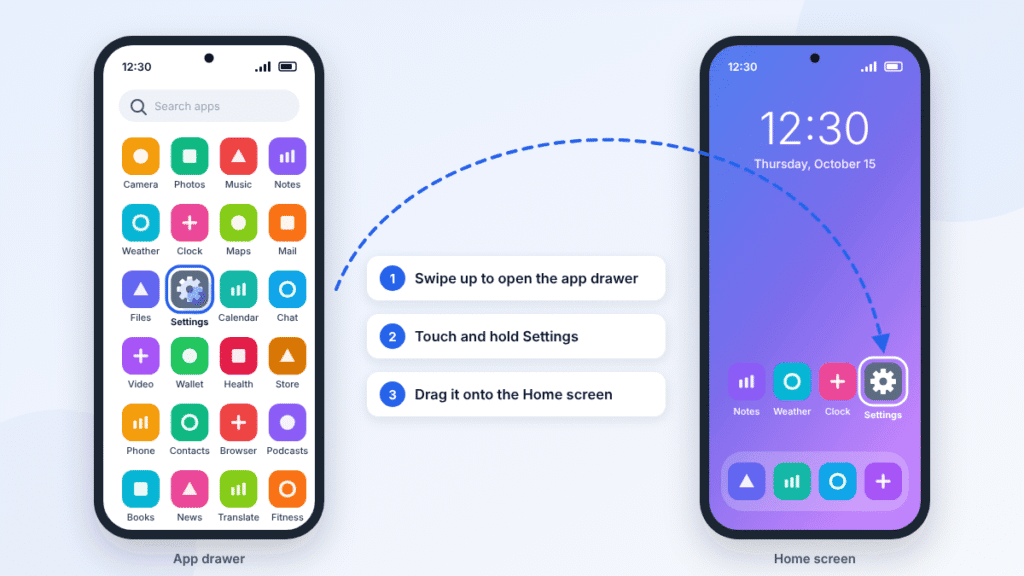
Lost the Settings icon on your Android phone? The Settings app is almost certainly still there. Only its shortcut is