Facebook Lite is a limited version of Facebook’s app for Android. It’s designed to take up less storage and less battery, and work better on slower or spotty networks. It keeps the essential Facebook experience (News Feed, posting, reaction, messaging, stories), but leaves out many of the heavier features. Note: Facebook Lite for iOS is no longer available.
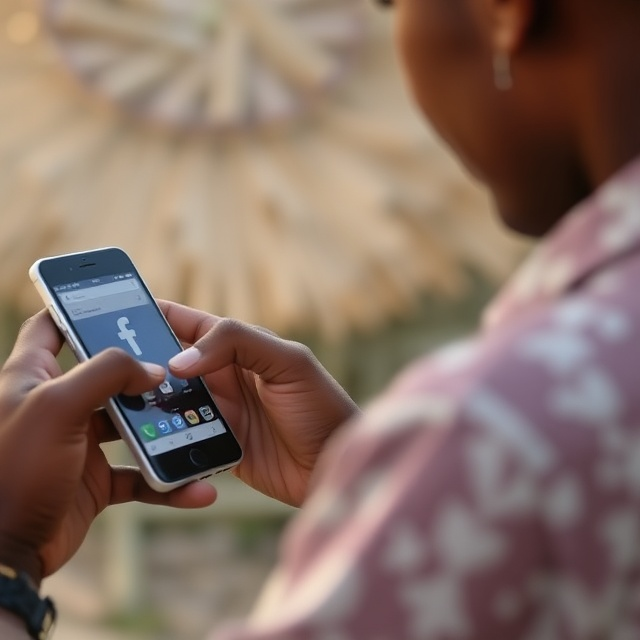
For many people that’s not a high-end smartphone with an unlimited data plan. For those in areas with weak network service, or for users who wish to conserve battery and data life on their devices, Facebook Lite provides an economical alternative to the full app. Its goal is to enable people to stay socially connected without hogging their phone or consuming unnecessary mobile data.
What Is Facebook Lite?
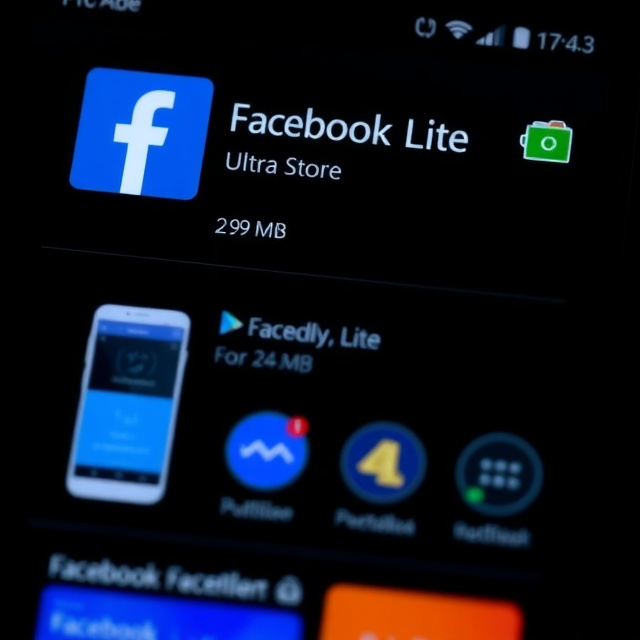
Facebook Lite is a “lighter” version of Facebook’s mobile app for Android. It has “less mobile data and takes up less space,” but it also offers the main functions of Facebook, according to Facebook.
- APK itself weighs about 2.99 MB.
- It works with Android 2.3 or later.
- It is supposed to work even under 2G or in slow networks.
- In previous reporting, the app’s size was at or under 1.68 MB in earlier updates.
Since the app is small, it installs and updates fast, and leaves more space on your phone.
Core Features
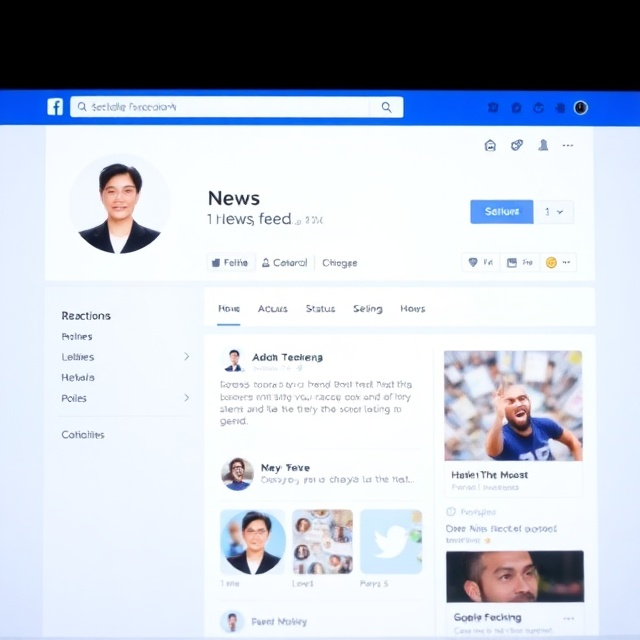
Facebook Lite has most of the features users find in Facebook, such as:
- Browsing the News Feed
- Reacting, liking, commenting, and sharing
- Updating status, posting photos and short clips
- Viewing and posting Stories
- Messaging (built-in messaging system, no separate Messenger required)
- Primitive support for groups, pages, and notifications
However, advanced features like full video streaming, rich animations, and heavy graphical elements may be restricted or slower compared to the standard Facebook app.
Facebook Lite vs. Official Facebook App
| Feature | Facebook Lite | Standard Facebook App |
|---|---|---|
| Download size | ~2–3 MB APK (official site: 2.99 MB) | Tens or hundreds of MB (e.g., ~80 MB) |
| Storage footprint | Very small, minimal overhead | Much larger, resource-heavy features |
| Data usage | Uses less data (compressed images, limited video autoplay) | More aggressive (autoplay videos, heavy caching) |
| Battery impact | Lower strain due to limited features and background activity | More taxing with animations and syncing |
| Network support | Works on 2G or weak networks | Optimized for 4G/5G and Wi-Fi |
| Interface/Polish | Simple, clean, minimal design | Sleek, modern, animation-rich |
| Feature parity | Core features included; some delayed or excluded | First to receive new, advanced features |
Who Should Use Facebook Lite?
Facebook Lite is ideal for:
- Power users with old or budget Android phones
- Devices with limited storage space
- Users with strict or costly data plans
- People in areas with weak or unreliable networks
If you own a modern smartphone with lots of storage and a strong internet connection, the standard Facebook app may provide a smoother, more complete experience.
How to Download Facebook Lite for Android
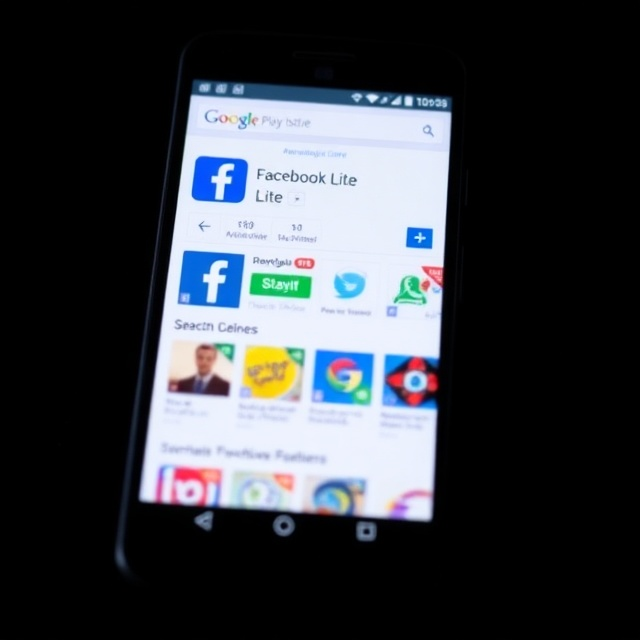
- Open the Google Play Store on your Android device.
- Search for “Facebook Lite.”
- Tap Install (or Update if already installed).
- Once installed, tap Open and log in with your Facebook account.
Because of its small size, installation and updates are fast and use less data compared to the full Facebook app.
Conclusion

Facebook Lite is a lightweight, battery-friendly alternative to the full Facebook app. It may lack a few advanced features, but it offers all the essentials – News Feed, Stories, Reactions, Messaging – in a compact, efficient package. For users with older devices, limited storage, or weak internet, it’s the best way to stay connected without draining resources.
Frequently Asked Questions (FAQ)
Q1: Can I change my gender in Facebook Lite?
Yes. Go to Profile → Edit Profile → About Info → Gender → Select Option → Save.
Q2: How can I delete imported contacts from Facebook Lite?
Check Settings → Imported Contacts. Some versions allow Delete All. Menus may differ by version or region.
Q3: How do I share posts on Facebook Lite?
Tap Share under a post and select where to share (Profile, Story, Group, etc.). You can also share links from your browser via the Facebook Lite app.
Q4: Is Facebook Lite safe to use?
Yes. It is an official Meta app and receives security updates. Its simpler design may reduce background processes, but it may also lack some advanced security functions found in the full app.
Q5: Can I have Facebook Lite and the regular Facebook app on the same device?
Yes. They are separate apps with different package names, so you can install and use both.

Louis Mugan is a seasoned technology writer with a talent for turning complicated ideas into clear, practical guidance. He focuses on helping everyday readers stay confident in a world where tech moves fast. His style is approachable, steady, and built on real understanding.
He has spent years writing for platforms like EasyTechLife, where he covers gadgets, software, digital trends, and everyday tech solutions. His articles focus on clarity, real-world usefulness, and helping people understand how technology actually fits into their lives.
Outside of his regular columns, Louis explores emerging tools, reviews products, and experiments with new tech so his readers don’t have to. His steady, friendly approach has made him a reliable voice for anyone trying to keep up with modern technology. get in touch at louismugan@gmail.com