Shopping for a new TV usually comes down to two questions: how good is the picture, and how easy is it to use every day? Roku TVs and Samsung smart TVs answer those questions differently. Roku is an operating system that runs on TVs from several brands, while Samsung builds both the TV and its software, called Tizen.
Quick answer: Choose a Roku TV if you prefer straightforward menus, a wide app selection and plenty of budget-friendly models. Consider a Samsung smart TV, especially its premium models, if advanced picture technology matters to you or you use Samsung’s SmartThings ecosystem. Both support most popular streaming services and show promoted content on their home screens. You can also buy a Samsung TV and add a Roku streaming stick if you like Roku’s interface.
Roku TV vs Samsung smart TV at a glance
| Feature | Roku TV | Samsung smart TV |
|---|---|---|
| Who makes it | Roku software on TVs from Roku, TCL, Hisense and other brands | Samsung hardware and Samsung’s Tizen software |
| Interface | Simple grid of apps, very easy to learn | Polished, feature-rich, with more menus and recommendations |
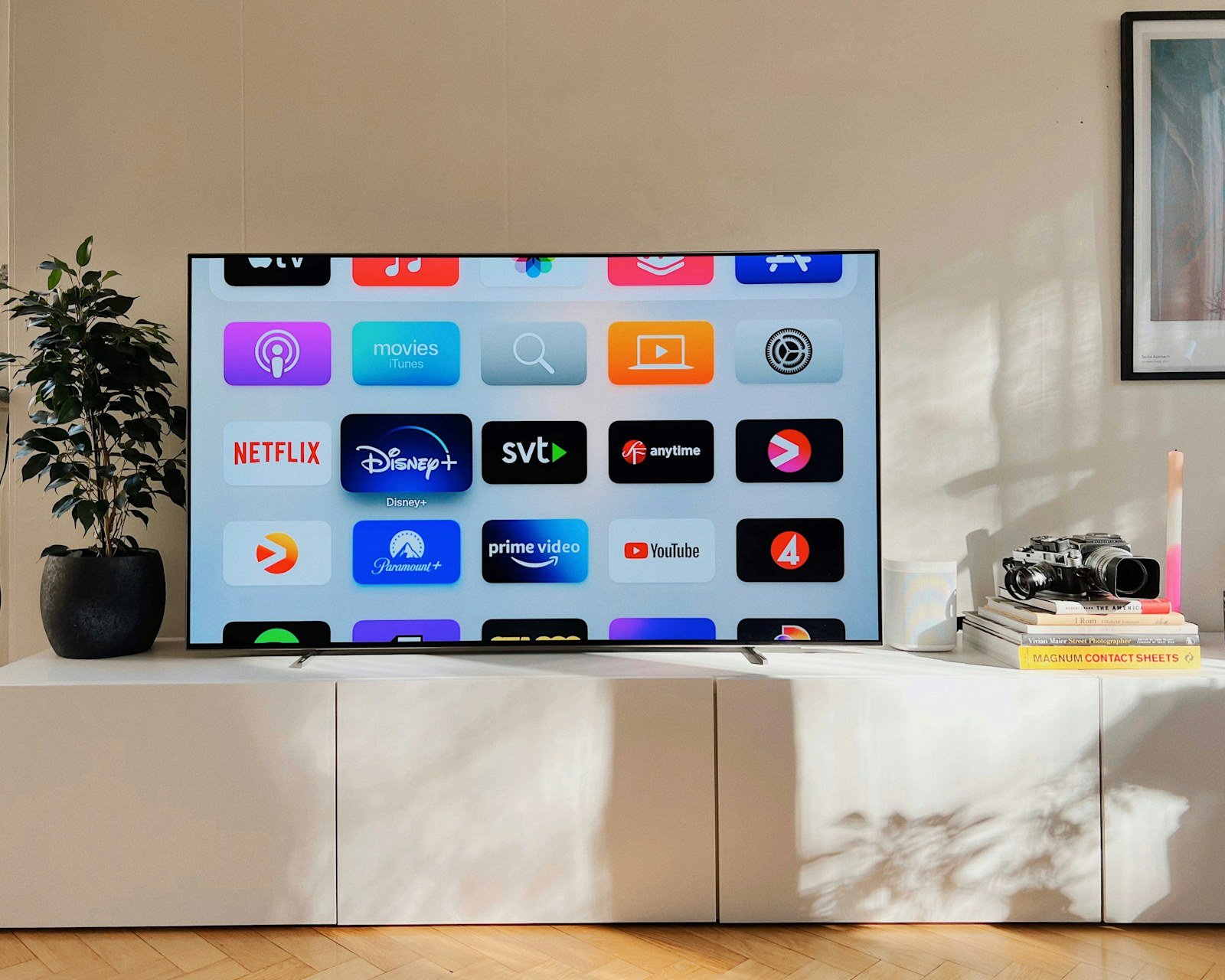
| Apps | Large app store with most major streaming services | Most major streaming services, plus Samsung’s own apps |
| Free TV | The Roku Channel, including free live channels | Samsung TV Plus, with free live channels |
| Ads on home screen | Yes, including promotional content | Yes, including sponsored content |
| Apple features | AirPlay and Apple Home on many models | AirPlay on many models from 2018 onward |
| Picture quality | Depends on the TV maker and model; budget to high-end | Model-dependent, with premium Neo QLED and OLED options |
| Price | Many budget-friendly options; prices vary by model | Wide range, with many premium models |
| Smart home | Works with Alexa and Google Assistant on many models | SmartThings hub features and Bixby, with Alexa on many models |
Ease of use
Roku’s main strength is simplicity. The home screen is a grid of your apps, settings are easy to find, and the remote has few buttons. That makes Roku a popular choice for families, older relatives and anyone who just wants to open an app and watch.
Samsung’s Tizen interface packs in more features, such as a built-in Samsung TV Plus guide, gaming options and smart home controls, depending on the model. The trade-off is more menus and more recommended content competing for attention.
Apps and streaming
For everyday streaming, both platforms cover the services most people use, such as Netflix, Prime Video, Disney+, HBO Max, Hulu, YouTube, Peacock and Paramount+, although availability can vary by model. Smaller or niche apps are where they differ. Some services support one platform but not the other. Before you buy, search each platform’s app store online for any app you can’t live without.
Picture quality and hardware
This is where the comparison isn’t apples to apples. A Roku TV’s picture depends on the brand that built it, such as TCL or Hisense, and those range from basic budget sets to strong mid-range performers. Samsung offers a wide range of display technologies and picture-processing features, including premium Neo QLED and OLED models. Compare specific models in reviews rather than relying on the brand name alone.
Ads and privacy
Advertising is part of both platforms’ business models. Both can show sponsored content on the home screen and may collect viewing data, depending on your privacy settings. You can limit ad tracking in the privacy settings on each platform, though you can’t remove home screen ads entirely.
Which should you buy?
- Choose a Roku TV if you want the easiest interface, are buying for a bedroom, kitchen or relative, or want the most screen for your money.
- Choose a Samsung TV if you’re interested in its premium display technologies or already use Samsung devices and SmartThings.
- Get both: buy the Samsung TV for the picture and plug in a Roku streaming stick for the interface. Switch to the Roku’s HDMI input and use its remote for everyday streaming.
If apps keep freezing on whichever TV you choose, our guide to smart TV apps that keep crashing walks through the fixes.
Frequently asked questions
Is Roku better than a Samsung smart TV?
Roku generally offers a simpler interface and many affordable models, while Samsung offers a broad range of hardware and smart features. Picture quality and price depend on the specific model.
Is a Roku TV the same as a smart TV?
Yes. A Roku TV is a smart TV with Roku’s software built in. Samsung smart TVs use Samsung’s Tizen software instead.
What is the best streaming device for a Samsung smart TV?
It depends on your preferences. Roku offers straightforward menus, Fire TV integrates with Alexa, Apple TV works well with Apple devices, and Google TV integrates with Google services.
Can you add Roku to a Samsung TV?
Yes. Plug a Roku streaming stick or box into a free HDMI port on the Samsung TV.
Do I need a Roku if I have a Samsung smart TV?
No. A Samsung smart TV already runs the major streaming apps. A Roku stick is only worth adding if you prefer Roku’s interface or need an app that Samsung’s store doesn’t offer.
What is the downside of a Roku TV?
Picture quality depends on the TV maker, and budget Roku TVs often can’t match premium sets. Roku also shows ads on its home screen.
Do Roku TVs have more apps than Samsung?
Both support most major streaming services, though availability can vary by model and region. Check for any specific apps you need before buying.
Which has fewer ads, Roku or Samsung?
Both show ads or promoted content on the home screen. Some reviewers find Roku’s less intrusive, but both rely on advertising.
Do Samsung TVs work with AirPlay?
Many Samsung TVs from 2018 onward support AirPlay. Many Roku TVs support it too.
How we researched this guide
We based this comparison on Samsung and Roku product information and on published smart TV platform reviews, read on November 26, 2026. Features differ by model and year. We did not perform hands-on testing of specific TVs for this guide.

Louis Mugan writes how-to and troubleshooting guides for EasyTechLife, covering Android phones, iPhones, laptops, Chromebooks, headphones and everyday software.
He aims to base each guide on official manufacturer documentation and support pages, and to link the sources so readers can check the steps for themselves. Questions or corrections? Use the contact page.