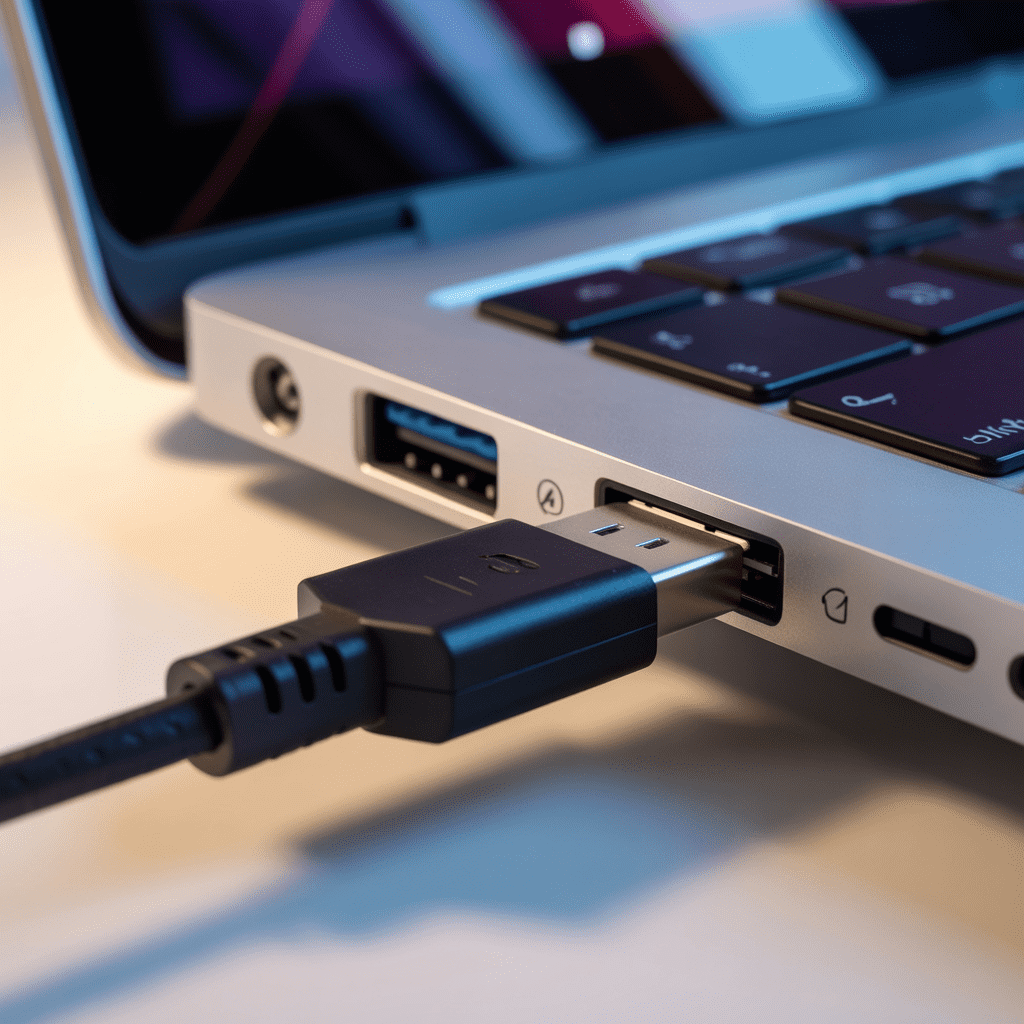
USB Port (Universal Serial Bus port): It is a common interface that enables digital devices, like computers, smartphones, and cameras, to exchange data and power via a cable. It’s used to hook up various peripherals including keyboards, printers, flash drives, and external storage devices – future incarnations like USB-C have also upped transfer speeds and the convenience of reversible plug designs.
Learn More about USB Ports in Popular Devices
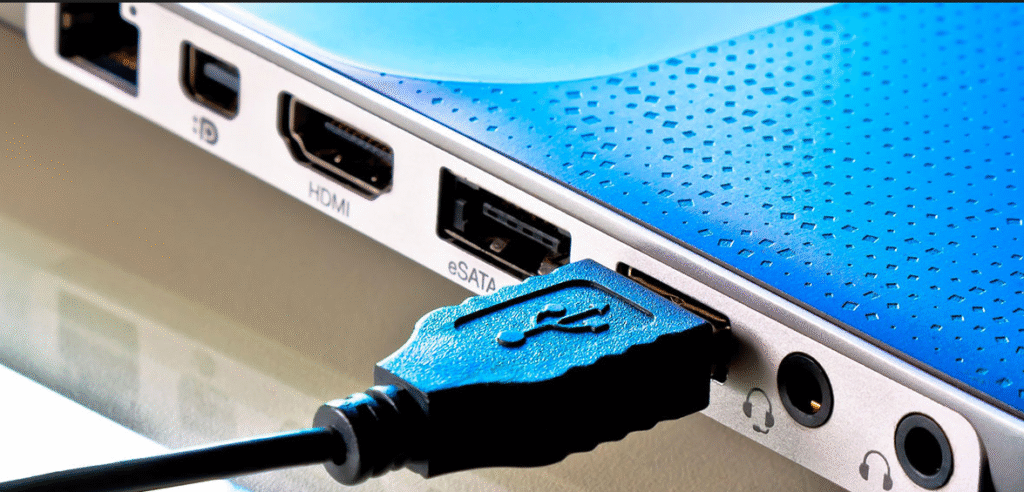
Universal Serial Bus (USB): The innovation changing how gadgets connect and the pace techniques communicate. From charging phones to transferring gigabytes of data from computer to storage device, the USB port is a commonly used interface in consumer electronics today. They allow for power delivery and data transfer between two devices in just seconds – no special drivers or complicated settings necessary.
There are both wired and wireless standards, but only the former involves ports and cables.
What Is a USB Port?
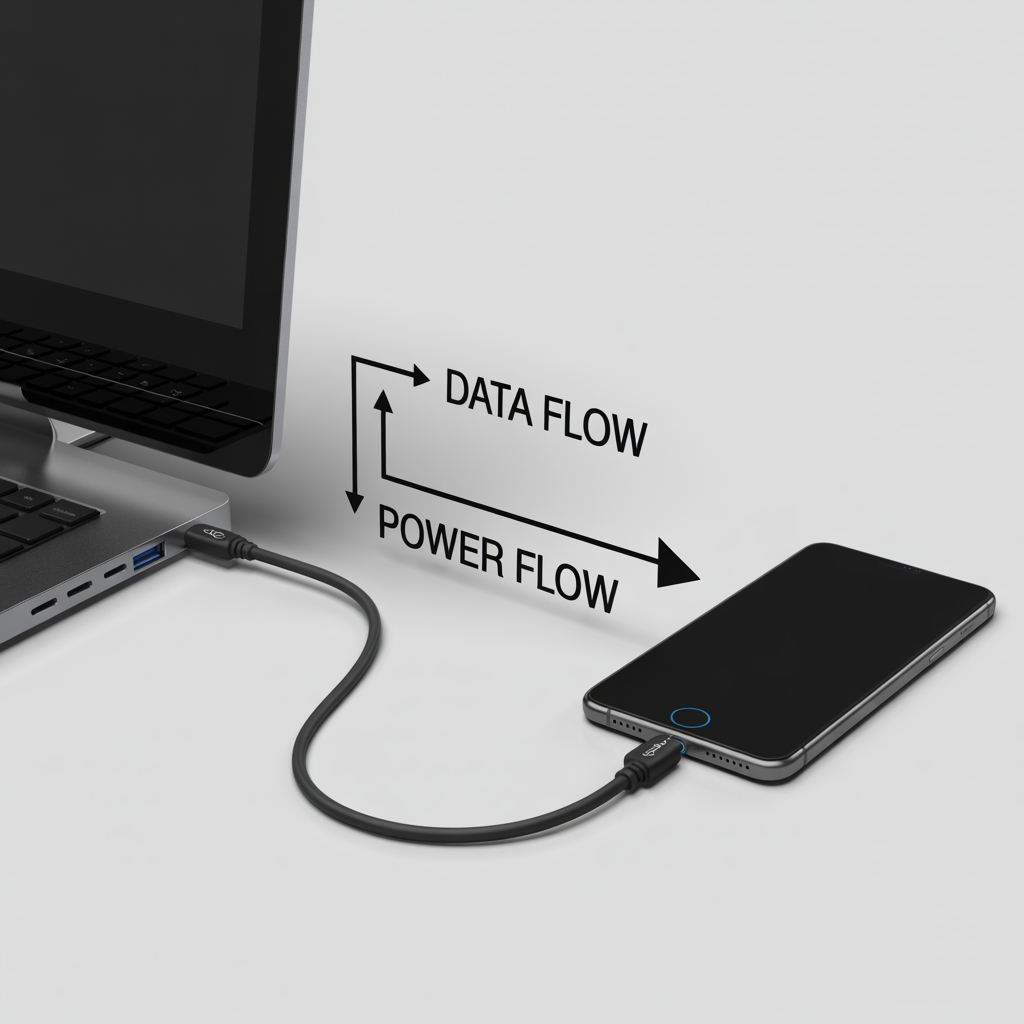
A USB port is the landmark interface of smartphones, laptops, tablets, game consoles, and now so much more. It communicates over short-range digital signals and is used to charge or operate data-connected devices.
Key Functions Include:
- Transfer: Transfers files between devices.
- Power to spare: Recharge phones, headphones, and other devices.
- Peripheral connection: Connects peripherals such as printers, keyboards/mouse, and storage media.
How to Be Safe Plugging in a USB Port
- Plugs into one computer and up to two devices. Do not connect both ends to the same device – it will damage your equipment.
- Hot plugging is supported – you can plug or unplug USB cables with the device on; however, it’s better to “eject” or “safely remove” that hardware before you do so.
- Connect more with a USB hub that adds multiple connections through a single cable. Each different gadget needs a proprietary cable.
Pro Tip: If you often transfer large files or connect several gadgets, use a powered USB hub to prevent overloading your computer’s port.
Popular USB Devices
USB ports serve a variety of gadgets and peripherals such as:
- USB network adapter and broadband modems
- Printers, scanners, and external drives
- Smartphones, tablets, and power banks
- Keyboards, mice, and game controllers
- Flash drive/micro SD card readers
They also enable offline file transfer between computers or devices by using a USB drive.
USB Ports and Connector Subtypes
USBs have come a long way to keep up with device aesthetics and performance:
| Type | Description |
|---|---|
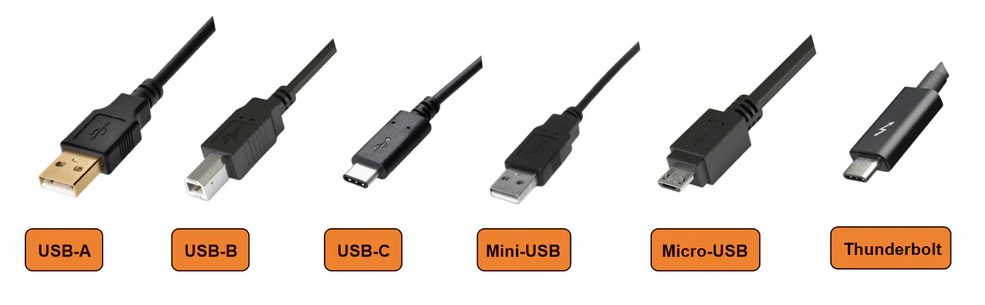
| USB Type-A | Square port (~1.4 cm × 0.65 cm) used for smaller computer peripherals such as keyboards, mice, and flash drives. |
| USB Type-B | Almost square and common on printers, network equipment, and older devices. |
| Micro USB & Mini USB | Smaller versions once used in mobile phones and digital cameras – now largely replaced by USB-C. |
| USB Type-C | The current standard – small, reversible, and ultra-fast (10 to 40 Gbps). Also supports Power Delivery (PD) to charge laptops and monitors. |
Example: Apple’s latest MacBook includes a USB-C port that transfers data, connects to a monitor, and charges the device – all through one cable.
Versions of USB Technology
| Version | Max Transfer Speed | Common Use |
|---|---|---|
| USB 1.1 | 12 Mbps | Legacy devices |
| USB 2.0 | 480 Mbps | Most peripheral devices such as keyboards |
| USB 3.0 / 3.1 | 5 to 10 Gbps | External drives / SSD connections |
| USB 4.0 / Thunderbolt 4 | 40 Gbps | High-performance laptops and docks |
Backward compatibility ensures you can use older devices with newer ports – though at reduced speed.
Troubleshooting: Your USB Port Has Stopped Working
If your USB port is not functioning:
- Reboot the device: many software bugs are fixed by a simple restart.
- Clean the port: use compressed air to remove dust or debris.
- Update drivers: in Device Manager (Windows) or System Settings (macOS).
- Test with another device/cable: isolate whether the issue is the port or hardware.
- Seek professional repair: if the port is physically damaged, especially on laptops.
Alternatives to USB Ports
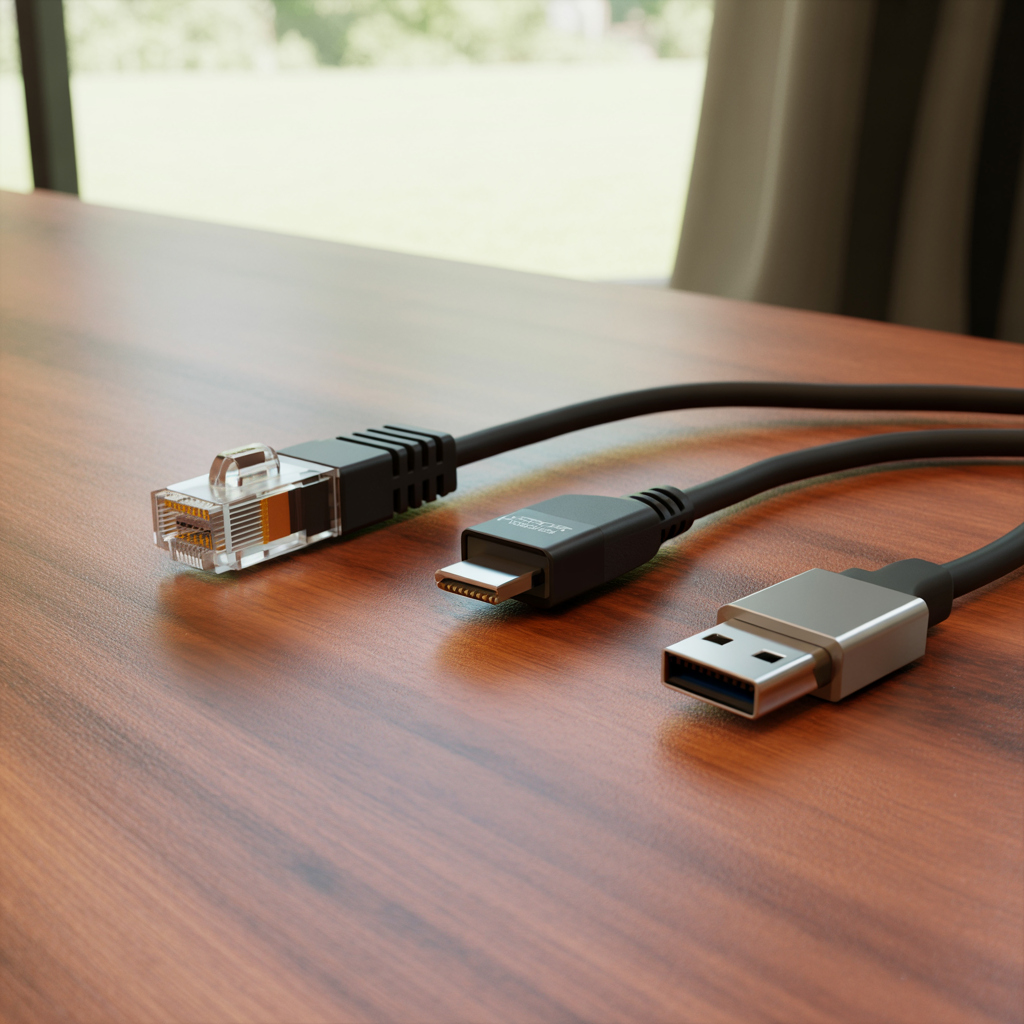
While USB remains universal, there are other specialized interfaces:
- Ethernet jacks: for faster wired networking without USB power.
- FireWire (IEEE 1394): a once-popular Apple technology for drives and camcorders, offering hot-swappable data transfer.
These exist to handle niche or legacy needs where USB isn’t required.
Whither USB Ports in 2025?
Even with wireless connections becoming more capable, USB ports remain essential. They balance power delivery, transfer speed, and universal compatibility – charging phones, backing up drives, or connecting peripherals seamlessly.
In 2025, USB-C stands as the universal connector, continuing to evolve toward faster, smarter, and truly all-in-one connectivity for every modern device.
FAQs
Q1. What to do if your USB port isn’t working?
Your port might be dirty, broken, or disabled by a software glitch. Clean it, try another device, and reboot your computer. If it still doesn’t work, update USB drivers or have the hardware checked.
Q2. Could I charge my phone with any USB port?
Yes, all USB ports provide power, though at different rates: USB 2.0 ≈ 2.5 W, USB 3.0 ≈ 4.5 W, and USB-C PD can deliver up to 100 W.
Q3. What is the difference between USB-C and older USB?
USB-C is a newer, reversible connector that supports faster data, higher power output, and wider device compatibility than USB-A or USB-B.
Q4. How can I put a USB port in my car (or old device)?
Use a 12 V car adapter or external USB hub. Most car stereos and chargers today include USB ports for both charging and media playback.

Louis Mugan is a seasoned technology writer with a talent for turning complicated ideas into clear, practical guidance. He focuses on helping everyday readers stay confident in a world where tech moves fast. His style is approachable, steady, and built on real understanding.
He has spent years writing for platforms like EasyTechLife, where he covers gadgets, software, digital trends, and everyday tech solutions. His articles focus on clarity, real-world usefulness, and helping people understand how technology actually fits into their lives.
Outside of his regular columns, Louis explores emerging tools, reviews products, and experiments with new tech so his readers don’t have to. His steady, friendly approach has made him a reliable voice for anyone trying to keep up with modern technology. get in touch at louismugan@gmail.com