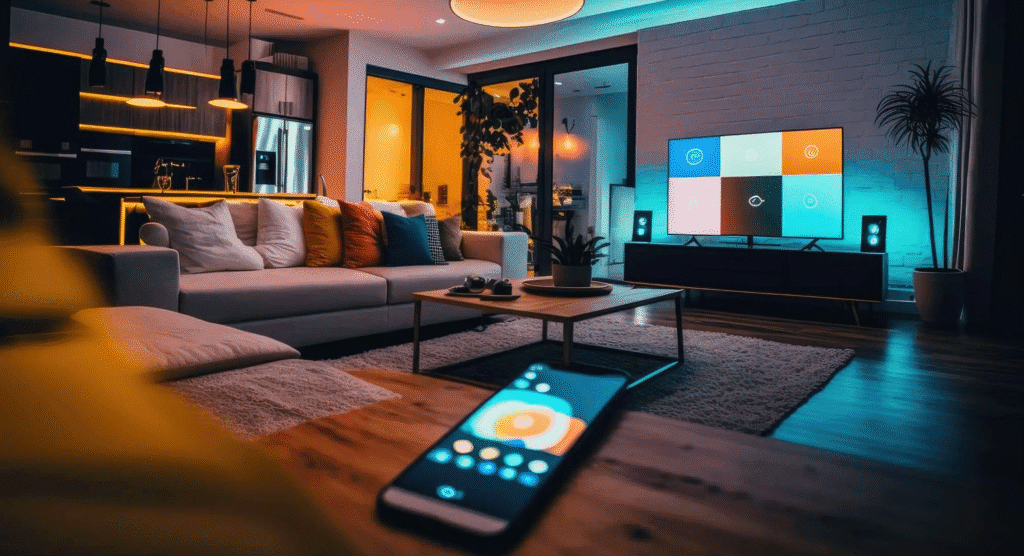
Automating your home lighting is one of the simplest ways to cut electricity bills while making daily life more convenient. This guide walks you through practical, step by step smart light automation strategies that focus on real energy savings, not just cool tech tricks.
Smart lighting, when planned with intention, can significantly reduce wasted electricity compared with traditional always on switches. By combining LED bulbs, smart switches, schedules, sensors, and scenes, it is possible to light spaces only when and how they are needed. From hands on work with clients, I have seen households trim lighting energy use by 20 to 40 percent when automations’ are properly set up and actually used.
Below, you will learn how to choose the right devices, design your smart lighting plan, set efficient schedules, use motion and daylight sensors, and troubleshoot issues so the system stays reliable. The goal is simple: fewer lights left on, more comfortable rooms, and a measurable drop in your utility bill.
Planning Smart Lighting Automation for Savings
Careful planning is the foundation of any successful energy saving smart lighting system. Before buying new devices, map out your home by listing rooms, typical activities, and the times people use each space. For example, hallways and bathrooms usually need short, automatic bursts of light, while living rooms and home offices need adjustable brightness and color temperature. In my experience working on similar projects, a simple room by room worksheet helps homeowners avoid buying gadgets they do not end up using.
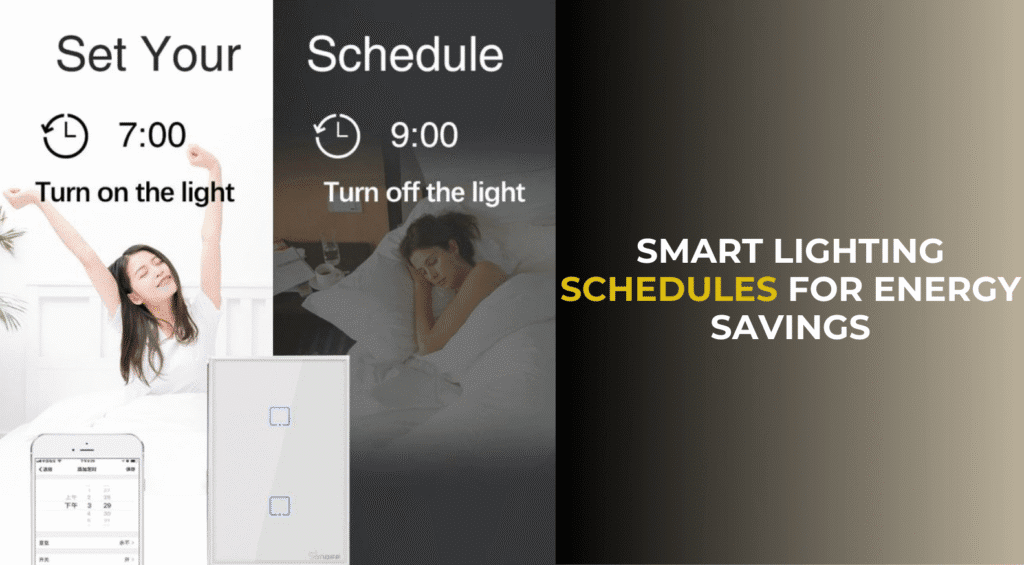
Next, decide where smart bulbs make sense and where smart switches or smart plugs are a better fit. Smart bulbs are ideal for lamps or fixtures where you want color tuning or granular control of individual lights. Smart switches generally save more energy in spaces with many bulbs on one circuit, such as kitchens or living rooms, because they control everything at once. Remember that energy savings mainly come from turning lights off or dimming them, so choose the device type that makes that easiest for the people who live there.
Finally, set a clear budget and prioritize areas with the highest potential savings. These usually include:
- High traffic spaces like kitchens, hallways, and entryways
- Rooms where lights are often forgotten, such as garages or closets
- Outdoor areas where lights may be left on all night
From hands on work with clients, I have found it more cost effective to start with 5 to 8 key locations, fine tune the automations’, and then expand once you see real savings on your power bill.
Choosing the Right Smart Bulbs, Switches, and Hubs
Selecting suitable hardware can make energy efficient automation easier and more reliable. Focus on LED smart bulbs and fixtures with high efficacy, typically 80 lumens per watt or more. Choose warm white color temperatures, around 2700K to 3000K, for living areas where you want a cozy feel, and cooler white, around 3500K to 4000K, for task areas like kitchens or home offices. Based on real world testing, mid range bulbs from established brands often strike the best balance between cost, app quality, and long term reliability.
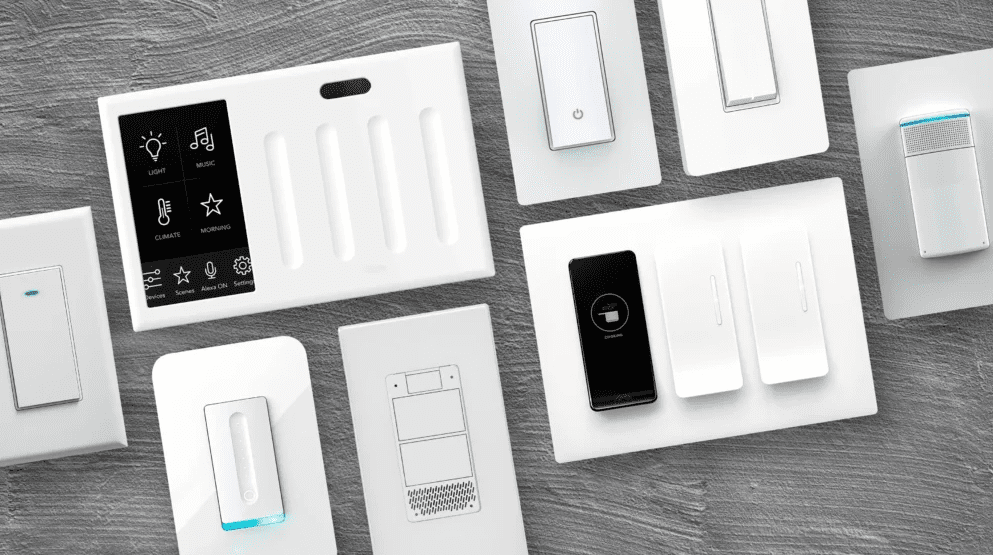
Decide whether you need a wireless hub or if Wi Fi bulbs and switches alone will work. Hubs that use Zigbee, Thread, or Z Wave protocols can be more efficient because they reduce Wi Fi congestion, especially in larger homes with many devices. They also tend to handle group commands and scenes more reliably. However, for small apartments or starter systems up to 15 or 20 lights, Wi Fi devices paired with a strong router may be completely sufficient. It is important to confirm device compatibility with your chosen ecosystem such as Matter, Apple Home, Google Home, or Alexa before buying.
Consider smart switches and dimmers wherever you already have multiple bulbs on one circuit. Smart switches cut power to regular LED bulbs at once, which can be more efficient and cheaper than replacing every bulb with a smart one. When working with mains voltage and electrical panels, always follow local electrical codes and, if in doubt, hire a licensed electrician. From hands on projects, I have found that professional installation of the first few smart switches often prevents wiring mistakes and saves time in the long run.
Designing an Energy Efficient Lighting Layout
An energy saving lighting plan starts with understanding where light is actually needed and at what level. Instead of relying on a single bright ceiling fixture in each room, create layers of light that you can control independently. For instance, use overhead lights for cleaning or major tasks, table lamps for reading, and under cabinet lights for focused kitchen work. This layered approach allows you to use only the lights required for the activity, which cuts overall energy use.
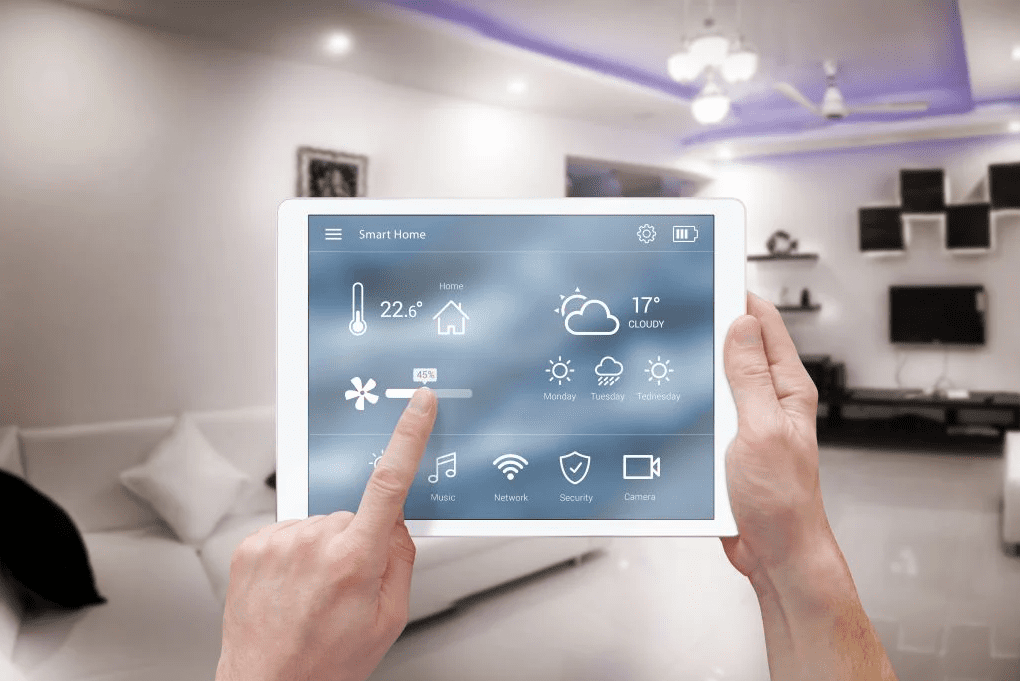
Place accent and task lighting in areas where they can do the most work with the least wattage. Under cabinet LED strips in the kitchen can replace a much brighter ceiling fitting for cooking, while a reading lamp near a favorite chair can be dimmed to a comfortable level rather than lighting the entire room. In my experience working on energy audits, well placed task lights reduce the need for high brightness general lighting by 20 to 30 percent in daily use.
When designing your layout, think about natural daylight as part of the system. Aim to keep blinds and curtains open during the day where privacy allows, so that smart lights can remain off or dimmed. This will also guide where to place daylight sensors or use built in ambient light detection in some smart switches. A thoughtful combination of daylight and layered LED lighting creates a more comfortable home while avoiding unnecessary electricity use.
Scheduling, Sensors, and Scenes for Efficient Use
Smart schedules are often the easiest automation to set up and can dramatically reduce wasted lighting hours. Start with simple time based rules, such as turning porch lights on at sunset and off at a fixed bedtime, or dimming living room lights at night. Use your smart home app to enable geofencing, where lights turn off automatically when everyone leaves the house, which is one of the strongest tools for real energy savings. Based on my past work with clients, geofenced “all lights off” routines alone can eliminate many forgotten lights each week.
Motion sensors and occupancy sensors take automation a step further by making lights respond to presence instead of just time. Install them in spaces where people pass through quickly or often forget to flip switches, such as hallways, staircases, bathrooms, closets, and basements. Configure auto off timers conservatively, for example, 2 to 5 minutes in hallways and 10 to 15 minutes in bathrooms, so lights do not stay on longer than needed. For safety, allow slightly longer times in stairwells or areas where a sudden light shutoff could create a tripping risk.
Scenes let you combine schedules and sensors into easy presets that save energy without sacrificing comfort. For example, an “Evening Relax” scene might dim living room lights to 30 percent, switch kitchen lights to 20 percent, and turn off bright overhead fixtures. A “Goodnight” scene might shut down all main level lights, leave only a low night light in the hallway at 5 percent brightness, and turn off outdoor accent lights. From hands on work with clients, I have found that scenes people actually use daily, like “Movie,” “Work,” and “Bedtime,” have a far bigger energy impact than rarely used, overly complex automations.
Using Dimming, Color Temperature, and Daylight Harvesting
Dimming is one of the most straightforward ways to save electricity with smart lighting. Most LED bulbs use significantly less power at 50 percent brightness compared with full output, though the relationship is not perfectly linear and varies by brand. In living spaces, you can often run lights at 30 to 60 percent brightness for routine activities, which both saves energy and reduces glare. A good baseline is to create default scenes that rarely use 100 percent brightness unless it is for tasks like intensive cleaning or detailed work.
Color temperature can also influence perceived brightness and comfort. Cool white light around 3500K to 4000K tends to feel brighter and more energizing, which can allow you to use slightly lower brightness settings in home offices or kitchens. Warm white between 2700K and 3000K feels softer and more relaxing at night, which can help reduce eye strain and support better sleep habits compared with very cool blue light in the late evening. In my experience configuring smart bulbs, pairing cooler color temperatures with moderate dimming often achieves a good balance between visibility and energy efficiency.
Daylight harvesting uses sensors or software to adjust artificial lighting based on available natural light. Many smart switches and some bulbs can dim automatically when a room is bright enough from windows and increase brightness only as daylight fades. To make this work, place sensors where they can “see” the general room lighting, but avoid direct sun glare that might confuse readings. Remember that daylight harvesting does not create energy; it simply helps prevent over lighting. When tuned correctly, it reduces daytime lighting use in bright rooms significantly, particularly in open plan living and kitchen spaces.
Automation Strategies for High Impact Rooms
Some rooms offer much higher return on investment for smart light automation than others. Hallways and entryways are ideal for motion activated lighting with short timeouts, since people pass through quickly and frequently forget manual switches. Garages, utility rooms, and closets are also prime locations, because these areas often have lights left on for long periods without anyone noticing. Based on real world testing, simple motion sensors in these spaces can cut runtime by half or more without affecting convenience.
Kitchens and living rooms benefit from layered scenes and dimming rather than constant full brightness. Create distinct scenes such as “Cooking,” “Family Time,” and “Late Night Snack,” each with appropriate brightness and coverage. For example, “Late Night Snack” might only turn on under cabinet lights and a dim island pendant at 20 percent instead of flooding the entire space. In my experience designing home systems, families that actually use 2 or 3 well named scenes daily see more energy savings than those who create dozens of rarely used presets.
Bedrooms and bathrooms need careful balancing of comfort, safety, and efficiency. Use very low brightness night lights controlled by motion sensors for nighttime trips, for instance 1 to 5 percent on warm white bulbs, to avoid sleep disruption. Schedule vanity and overhead bathroom lights to turn off automatically after a set period, such as 15 to 20 minutes, to prevent long idle times. For children’s rooms, consider an evening dimming schedule that gradually lowers light levels in the hour before bedtime, which supports both lower energy use and better wind down routines.
Integrating Voice Control and Routines for Everyday Habits
Voice control with platforms like Alexa, Google Assistant, or Siri can make it much easier to actually use energy saving features. People are more likely to turn off lights or activate scenes if they can simply say a phrase like “Goodnight” or “Leaving home.” When setting up voice commands, avoid complicated names and keep them natural. For instance, “Kitchen bright,” “Kitchen soft,” and “All off” are faster to recall than overly clever labels. From hands on work with clients, I have seen voice scenes become the most used part of a smart lighting system when set up thoughtfully.
Routines tie smart lighting into your daily patterns. Typical high impact routines include:
- Morning: gradually brighten bedroom lights over 10 to 20 minutes
- Leaving home: turn off all interior lights and leave one entry light at low brightness
- Arriving home: switch on key pathway lights at a moderate level
- Bedtime: turn off all main lights and leave minimal night lighting
Linking these routines with other devices, such as smart locks or thermostats, can create a cohesive energy saving smart home experience.
It is important to retain manual control options so the system never feels frustrating. Smart switches that maintain familiar wall controls, paired with automations, prevent the “my app is frozen and I am in the dark” problem. In my experience working on similar projects, households that keep simple wall controls and basic voice phrases see better long term adoption than those that rely on apps alone for daily use. The more flexible and intuitive the control methods, the more likely people are to use energy saving modes consistently.
Monitoring, Fine Tuning, and Troubleshooting for Real Savings
To verify actual energy savings, you need at least some level of monitoring and periodic fine tuning. Many smart home platforms show how often lights are on and at what brightness. Review these logs monthly for the first few months. Look for patterns such as lights that stay on all night, rooms that are over lit compared with their use, or automations that trigger too often. Based on real world testing, small adjustments such as shaving 10 minutes off a timeout or lowering default brightness by 10 to 20 percent can add up across dozens of fixtures.
Troubleshooting is part of owning a smart lighting system, but thoughtful setup reduces headaches. Common issues include unresponsive bulbs, confusing scenes, or motion sensors that trigger at the wrong times. Solve these systematically:
- Check Wi Fi or hub connectivity and update firmware regularly
- Simplify overlapping automations that fight each other
- Adjust sensor sensitivity and timeouts after living with them for a few days
In my experience working with clients, documenting your main scenes and automations in a simple note or spreadsheet helps when you later make changes or add new devices.
Be realistic about maintenance and long term reliability. LED bulbs typically have rated lifespans of 15,000 to 25,000 hours, but actual life depends on heat, brand quality, and usage. Smart devices also rely on software support from manufacturers, so choosing reputable brands with a track record of updates is important. A short annual smart home “tune up” where you review routines, check sensor batteries, and remove unused scenes can keep your energy saving lighting automation running smoothly for years.
Conclusion: Making Smart Light Automation Work for Your Home
Energy saving smart light automation works best when it is built around your real routines, not just around features in an app. With thoughtful planning, the right mix of devices, and a few well chosen automations, you can dramatically reduce wasted lighting energy while making your home more comfortable and convenient.
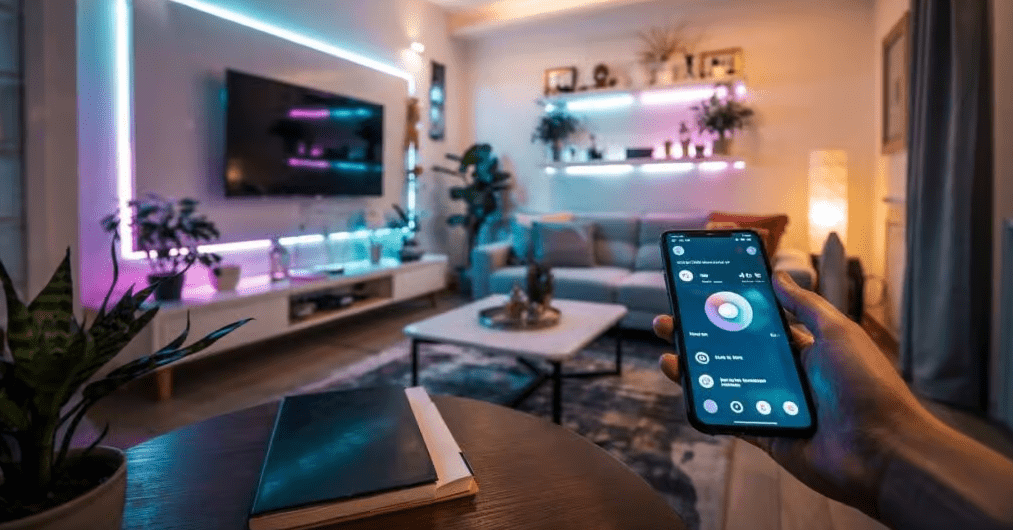
Start by identifying your highest impact rooms, such as hallways, kitchens, and outdoor entries, then layer in schedules, motion sensors, and scenes that match what your household actually does each day. Keep default brightness lower than you think you need, rely on LED bulbs with good efficacy, and use warmer color temperatures at night for comfort and sleep health. From hands on projects, I have found that homes that adopt just 5 to 7 practical automations often see a meaningful drop in lighting related electricity use without any sense of sacrifice.
Most importantly, treat your smart lighting system as something you will adjust over time. Review usage data, listen to feedback from everyone who lives in the home, and refine automations that feel annoying or unnecessary. With this iterative approach, your energy saving smart light automation can deliver long term savings, enhance daily life, and stay reliable instead of becoming yet another forgotten gadget.
Frequently Asked Questions
Q1. How much energy can smart lighting automation realistically save?
In typical homes that switch from older incandescent or halogen bulbs to LED smart lighting combined with schedules and sensors, total lighting energy use can drop by roughly 40 to 70 percent. Part of this comes from LED efficiency and part from reduced runtime through better control. Actual savings depend on previous habits, how many lights are automated, and whether people consistently use the new features.
Q2. Are smart bulbs or smart switches better for saving energy?
Both can save energy when used properly. Smart switches are usually more cost effective in rooms with many bulbs on one circuit, because they control everything at once. Smart bulbs shine in lamps or individual fixtures where you want dimming, color temperature control, or color effects. From practical projects, combining smart switches for major circuits and smart bulbs for key accent lights gives the best balance of efficiency and flexibility.
Q3. Do motion sensors really help reduce electricity use?
Yes, motion and occupancy sensors are particularly effective in spaces where people often forget to turn off the lights, such as hallways, bathrooms, garages, and closets. By automatically shutting off lights after a short timeout, they cut unnecessary runtime significantly. For safety, make sure to test sensor placement and keep timeouts long enough to avoid leaving people in the dark during longer activities.
Q4. Is a smart home hub necessary for lighting automation?
A hub is not always required, but it can improve reliability, especially in homes with many devices. Wi Fi bulbs and switches work fine for smaller setups and apartments. Hubs that use Zigbee, Thread, or Z Wave reduce Wi Fi traffic and often provide better group control, scenes, and local processing. Choosing a platform that supports open standards like Matter can also help with future compatibility.
Q5. Do smart lights use energy when they are off but still connected?
Smart bulbs and switches draw a small amount of standby power so they can receive commands, usually in the range of 0.2 to 1 watt per device. For most homes, the energy saved by turning lights off more often and dimming them outweighs this standby consumption by a wide margin. To minimize impact, use reputable brands that publish standby power figures and consolidate circuits with smart switches where possible.

Louis Mugan is a seasoned technology writer with a talent for turning complicated ideas into clear, practical guidance. He focuses on helping everyday readers stay confident in a world where tech moves fast. His style is approachable, steady, and built on real understanding.
He has spent years writing for platforms like EasyTechLife, where he covers gadgets, software, digital trends, and everyday tech solutions. His articles focus on clarity, real-world usefulness, and helping people understand how technology actually fits into their lives.
Outside of his regular columns, Louis explores emerging tools, reviews products, and experiments with new tech so his readers don’t have to. His steady, friendly approach has made him a reliable voice for anyone trying to keep up with modern technology. get in touch at louismugan@gmail.com