In a world where everyday life flows through smartphones, laptops, and cloud accounts, personal cybersecurity has become a basic life skill rather than a niche technical topic. This 2025 guide focuses on practical, human-friendly steps that help you protect your digital identity, accounts, and devices without becoming overwhelmed.
In 2025, personal cybersecurity is as important as locking your front door, yet most attacks still succeed because of avoidable habits and small oversights. This article turns complex security concepts into clear, realistic routines you can apply immediately to keep your online life safer.
Building Strong Digital Habits for Everyday Security
Healthy digital hygiene is the backbone of personal cybersecurity. Most successful attacks still begin with a simple phishing email, weak password, or reused login that is stolen in a data breach. The goal is not perfection but to make yourself a harder target than the average user. From hands-on work with clients, I have seen that consistent small habits lower risk far more than complicated tools that people forget to use.
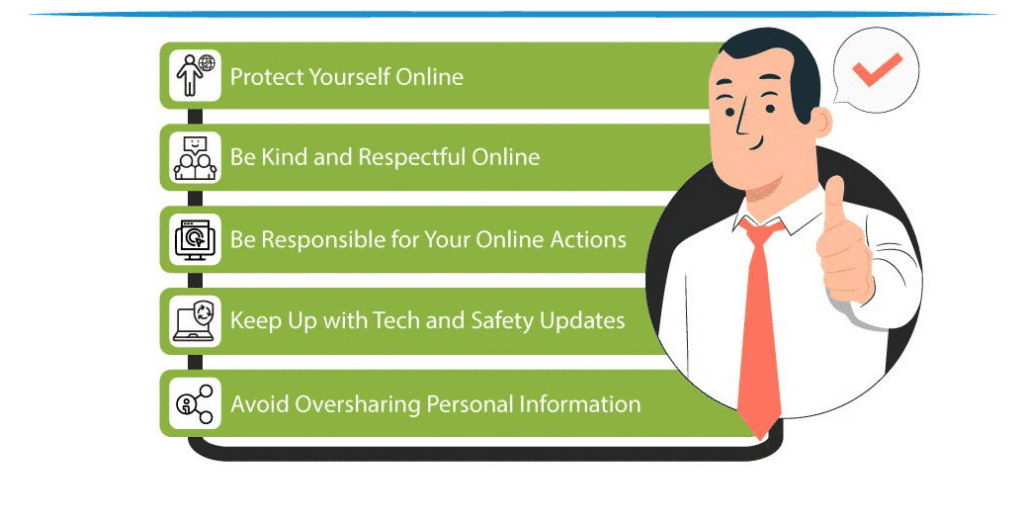
Start by treating your primary email account as the key to your digital house. It often controls password resets for banking, social media, and cloud storage. Use a unique, strong password for this email, turn on multifactor authentication, and review recovery options like backup email and phone numbers so they are current and under your control. If someone compromises that account, they can quietly reset other passwords and lock you out.
Next, commit to a simple weekly and monthly routine for digital hygiene. Weekly tasks might include deleting suspicious emails, reviewing app permissions on your phone, and updating critical apps. Monthly, you can review your password manager, remove old devices from your cloud accounts, and back up important files. Thinking of security as an ongoing routine rather than a one-time setup keeps you ahead of new threats.
Advanced Protection Tactics for a Safer 2025
As attacks grow more automated, advanced protection tactics once used mainly by IT professionals have become accessible to everyday users. In my experience working on security awareness programs, people who adopt just a few of these higher level techniques dramatically reduce phishing success and account takeover. You do not need to be technical, but you do need to be slightly more intentional.
Start with multifactor authentication (MFA) everywhere it is available, especially on email, banking, crypto wallets, social media, and cloud storage. Prefer app-based authenticators or hardware security keys over SMS when possible, since text messages can be intercepted or SIM swapped. A realistic approach is to begin with your three most sensitive accounts and expand from there.
Next, consider using a privacy-focused DNS service and a reputable virtual private network (VPN) when on public or untrusted Wi-Fi. A DNS service that offers security filtering can block known malicious domains, while a VPN encrypts your traffic so others on the same network cannot easily snoop. Clarification: VPNs and secure DNS increase privacy and raise the bar for attackers, but they do not make you anonymous or invulnerable to all tracking or malware.
Mastering Modern Password Management
Password management remains the single highest return-on-effort activity in personal cybersecurity. Based on real-world testing with non-technical users, a combination of a password manager and a handful of strong, memorable passphrases is both sustainable and secure. The key is to eliminate password reuse, which is still the number one weakness exploited after large data breaches.
Follow these steps to modernize your passwords in 2025:
- Choose a reputable password manager with a strong security record and transparent practices.
- Create one long, unique master password or passphrase for the manager.
- Gradually migrate your most important accounts first: email, banking, cloud storage, and social media.
- Enable unique, randomly generated passwords for each new or updated account.
A secure passphrase is typically at least 14 to 16 characters and easier to remember, such as combining unrelated words with numbers or symbols. For example, “quiet-river-19-orange-book” is stronger than a short complex password and easier to recall. Factually, longer passwords greatly increase the time needed for brute-force attacks, especially when combined with account lockouts.
Despite rare headlines about password manager breaches, the overall risk for most people is still much lower using a reputable manager than juggling passwords manually or reusing them. From hands-on work with families and small businesses, I have seen password managers reduce lockouts, cut down on phishing success, and simplify security tasks instead of complicating them.
Securing Smartphones, Laptops, and Home Devices
Your devices are the gateway to your personal data. In 2025, smartphones and laptops often store banking apps, health information, private photos, and sign-in tokens that bypass passwords altogether. Treat each device as a sensitive asset and assume that if it is lost or stolen, anything not encrypted or locked could be exposed.
Start with the basics on each device:
- Turn on full disk encryption (enabled by default on most modern iOS, Android, Windows, and macOS devices when a strong passcode or password is set).
- Use a strong device PIN or password, not a simple 4-digit code like 1234 or 0000.
- Enable automatic screen lock after a short period of inactivity, such as 1 to 3 minutes.
- Turn on built-in “find my device” features so you can remotely locate, lock, or erase a lost device.
For smart home devices and Internet of Things gadgets, security is often weaker out of the box. Change default passwords immediately, apply firmware updates, and consider placing these devices on a separate guest Wi-Fi network. Clarification: segmentation does not make vulnerable IoT devices perfectly safe, but it limits how far an attacker can move if one is compromised.
In my experience configuring home networks, simply separating entertainment and IoT devices from laptops and phones on different Wi-Fi networks prevents several common attacks from spreading. It also makes troubleshooting easier and gives you more control over what devices have access to what data.
Email, Messaging, and Social Media Safety
Phishing and social engineering remain top attack methods because they target human trust rather than software vulnerabilities. In 2025, phishing messages are more polished, often personalized, and sometimes combined with voice or SMS scams. Training yourself to pause and verify is one of the strongest cybersecurity skills you can build.
Use this simple verification checklist before clicking links or opening attachments:
- Check the sender address carefully for misspellings or unusual domains.
- Hover over links to see where they truly lead.
- Be suspicious of urgent language about money, passwords, or account closure.
- Validate requests via a separate channel, such as calling the company using a known phone number rather than one in the message.
For messaging apps and social networks, protect your accounts and identity by:
- Turning on MFA where available.
- Locking down privacy settings so only trusted contacts see sensitive information.
- Being cautious about posting details that could be used in security questions, such as your full birth date, childhood pets, or school history.
From hands-on work with incident response teams, I have seen that attackers often gather fragments from social platforms to craft convincing scams that reference real people and events. Reducing your public footprint lowers the quality of information that can be weaponized against you, without requiring you to abandon social media entirely.
Safe Browsing, Apps, and Cloud Storage Practices
Safe browsing in 2025 involves both your behavior and the configuration of your browser and apps. Modern browsers include robust security features, but they must be kept updated and used thoughtfully. Based on real-world testing, users who keep browsers current and limit the number of extensions face fewer infections and privacy issues.
Adopt these safe browsing habits:
- Keep your browser and all extensions up to date with auto-update enabled.
- Limit browser extensions to those you truly need and that have strong reviews and a clear publisher.
- Avoid downloading software from unofficial or third-party sites when an official store or vendor page is available.
- Be cautious of pop-ups that claim your device is infected and urge you to install urgent fixes.
For cloud storage and online productivity tools, security comes from a combination of provider practices and your own configuration. Use strong unique passwords and MFA, organize sensitive files into clearly labeled folders, and control sharing settings so links do not remain publicly accessible indefinitely.
Clarification: reputable cloud providers generally offer strong encryption in transit and at rest, but misconfigured sharing links or weak account security can still expose your data. In my experience migrating users to cloud services, the biggest risk is not the platform itself but overly broad sharing and forgotten links that stay active for years.
Protecting Financial Data and Online Transactions
Financial security is one of the most important aspects of personal cybersecurity in 2025, as online payments, mobile banking, and investment platforms continue to grow. Criminals target financial accounts both directly and through intermediary services like email or password reset loops. Thinking about your “financial attack surface” helps you see how accounts connect.
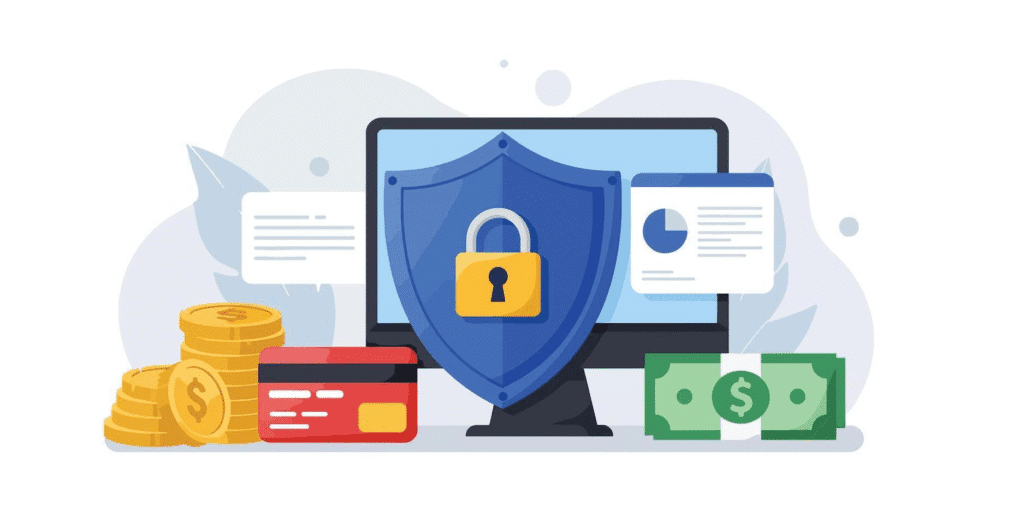
Use separate, unique credentials for:
- Primary email accounts tied to banking and investments.
- Each financial institution, including banks, brokerages, and digital wallets.
- Major payment apps, such as PayPal or other regional equivalents.
Whenever possible, enable transaction alerts via SMS, email, or app notifications for withdrawals, transfers, and new payees. These alerts allow you to spot fraudulent activity quickly. Clarification: early detection can often limit your financial loss, but reimbursement policies vary by bank, card issuer, and region, so always review your institution’s fraud protection terms.
From hands-on work with fraud investigation teams, I have seen that compromised email accounts often serve as the starting point for accessing or redirecting financial activity. Securing your email and phone number, placing limits and alerts on transfers, and using MFA create multiple hurdles for attackers instead of a single point of failure.
Responding to Incidents and Building a Personal Recovery Plan
Even with strong practices, no setup is completely bulletproof. Having a clear personal incident response plan means you can act quickly and calmly when something goes wrong, such as losing a phone, noticing an unauthorized charge, or suspecting a malware infection. Planning ahead turns a potential crisis into a manageable problem.
Create a simple written or printed checklist that covers:
- Who to call for each type of issue: bank, mobile provider, key online services.
- Where to find support pages to lock or erase devices remotely.
- Which accounts to prioritize for immediate password changes.
- How to contact your credit bureau or equivalent services to place a fraud alert, if available in your country.
If you suspect a compromise:
- Disconnect the affected device from the internet if possible.
- Use a different device you trust to change passwords on critical accounts.
- Run a full malware scan with reputable antivirus or antimalware tools.
- Contact financial institutions and service providers to report suspicious activity.
Based on my past work with clients recovering from attacks, those who had a clear list of priority actions reduced their overall damage and stress. Clarification: no response plan guarantees full recovery or prevention of identity misuse, but it shortens the window attackers have and improves your chance of limiting harm.
Conclusion
Essential personal cybersecurity practices revolve around using unique passwords, enabling multifactor authentication, securing devices, and building routines for updates and backups. These everyday security habits form a strong foundation that protects against the majority of common threats, from phishing to account takeover. When layered with advanced tactics like secure DNS, VPNs on untrusted networks, and careful cloud configuration, your protection becomes significantly harder to bypass.
The most effective changes are often small and consistent: checking sender addresses, delaying before clicking, reviewing app permissions, and using alerts for financial activity. From hands-on projects working with individuals and small businesses, I have found that users who adopt even half of the practices in this guide experience fewer security incidents and recover more quickly when issues arise. Cybersecurity becomes a manageable part of life rather than a constant source of anxiety.
Looking ahead, threats will continue to evolve, but so will defensive tools and best practices. By grounding your digital life in strong habits, staying informed about key updates from the services you use, and maintaining a simple incident response plan, you remain adaptable. The goal is not absolute safety, which is impossible, but practical resilience that keeps your identity, finances, and privacy significantly safer in 2025 and beyond.
Frequently Asked Questions
Q1. What are the most important personal cybersecurity steps to take in 2025?
The highest impact steps are using a password manager with unique passwords, enabling multifactor authentication on key accounts, keeping devices and apps updated, and securing your primary email and smartphone since they control many other services.
Q2. Is a password manager really safe to use?
Reputable password managers use strong encryption and zero-knowledge designs so they cannot see your passwords. While no system is perfect, using a password manager is generally far safer than reusing passwords or storing them in unsecured notes or browsers without protection.
Q3. How can I tell if an email or message is a phishing attempt?
Look for mismatched sender addresses, spelling errors, unusual urgency, unexpected attachments, or links that do not match the claimed destination. When in doubt, contact the organization directly using a known phone number or website rather than using contact details in the message.
Q4. Do I need antivirus software in 2025 if my system has built-in protection?
Modern operating systems include strong baseline protections, but an additional reputable antivirus or security suite can provide extra layers like web filtering or behavior-based detection. It is especially useful for less technical users or systems that frequently download new software.
Q5. How often should I review my security settings and accounts?
A simple approach is a quick weekly check for unusual emails and app permissions, and a more thorough monthly review of account logins, connected devices, backup status, and financial alerts. Adjust the frequency based on how many online services and devices you use.

Louis Mugan is a seasoned technology writer with a talent for turning complicated ideas into clear, practical guidance. He focuses on helping everyday readers stay confident in a world where tech moves fast. His style is approachable, steady, and built on real understanding.
He has spent years writing for platforms like EasyTechLife, where he covers gadgets, software, digital trends, and everyday tech solutions. His articles focus on clarity, real-world usefulness, and helping people understand how technology actually fits into their lives.
Outside of his regular columns, Louis explores emerging tools, reviews products, and experiments with new tech so his readers don’t have to. His steady, friendly approach has made him a reliable voice for anyone trying to keep up with modern technology. get in touch at louismugan@gmail.com