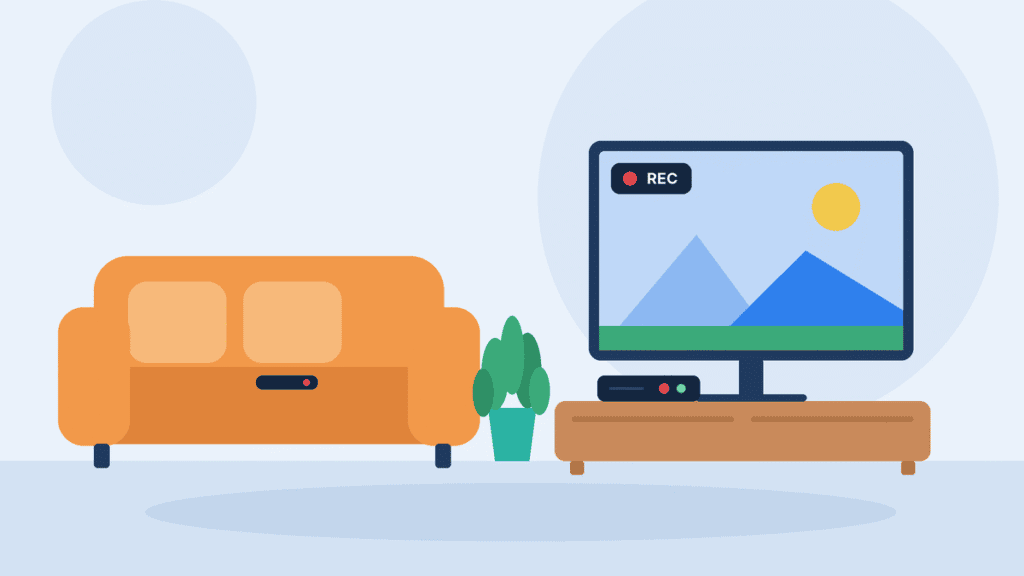
Spectrum DVR lets you record live TV shows, movies and sports to watch later. You can choose between a traditional DVR receiver, which stores recordings on a hard drive in your home, and Spectrum Cloud DVR, which saves them online for playback through the Spectrum TV App.
Both options record individual programs and entire series, but they differ in price, equipment and how long recordings are kept. Here’s how they compare, what they cost, how to set them up and how to fix common recording problems.
What Is Spectrum DVR and How Does It Work?
Spectrum DVR is Spectrum’s digital video recorder service. It records programs from your channel lineup so you can watch them later, skip through them and keep them until you delete them or they expire.
It works in one of two ways:
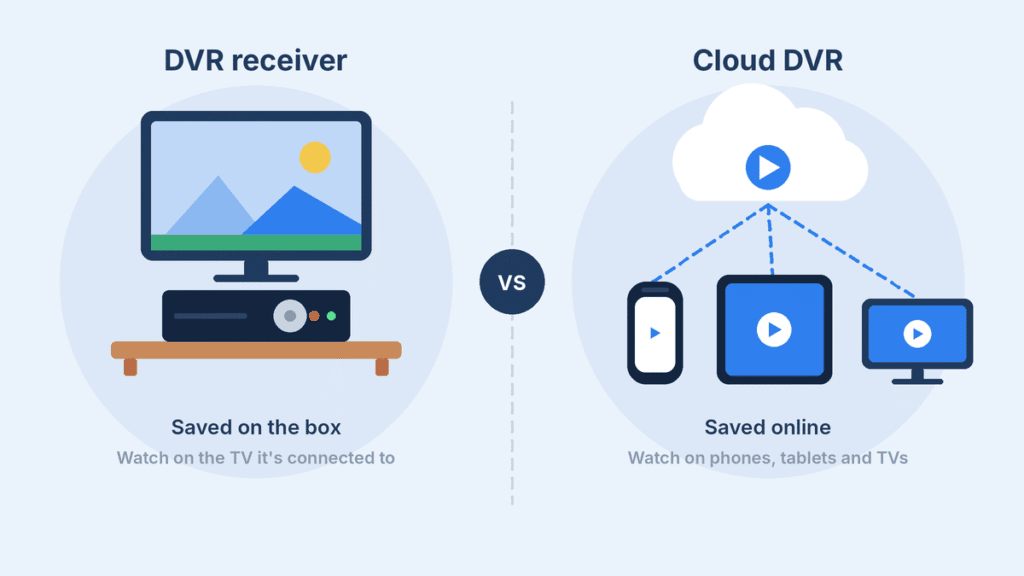
- DVR receiver (cable box DVR). A Spectrum receiver with a built-in hard drive records shows inside your home. You control it with the Spectrum remote and the on-screen guide. Spectrum requires you to lease a Spectrum receiver to use its DVR Service (Spectrum rate card).
- Spectrum Cloud DVR. Recordings are saved on Spectrum’s servers instead of a box. You schedule and play them in the Spectrum TV App on phones, tablets, Roku, Xbox and Samsung smart TVs (Cord Cutters News), as well as Apple TV and the Xumo Stream Box. No receiver lease is required (Spectrum rate card).
Both options can record a single episode, a movie, a game or an entire series. A DVR receiver also lets you pause and rewind live TV. In the Spectrum TV App, live-TV controls such as pause and rewind depend on your device and app version, so check what your device supports.
The two systems keep separate libraries. Shows saved on a home DVR box can’t be played through Cloud DVR in the app (Allconnect).
Spectrum DVR vs. Cloud DVR: What’s the Difference?
A DVR receiver keeps recordings on one box in your home, while Spectrum Cloud DVR Unlimited keeps them online with no storage cap but a 9-month expiry. Here is how they compare:
| Feature | Spectrum DVR receiver | Spectrum Cloud DVR Unlimited |
|---|---|---|
| Where recordings are saved | Hard drive inside the receiver | Spectrum’s servers |
| Equipment needed | A leased Spectrum receiver | Spectrum TV App on a supported device, or a Xumo Stream Box |
| Storage | Limited by the box’s hard drive; varies by model (HighSpeedInternet.com) | Unlimited recordings (Spectrum Community) |
| Shows recorded at once | Varies by receiver model | Unlimited simultaneous recordings |
| How long recordings last | No fixed expiry, but older recordings may be deleted automatically when space runs low unless you protect them | Up to 270 days after recording |
| Where you watch | The TV connected to that receiver | Phones, tablets, smart TVs, streaming devices and SpectrumTV.net |
| Best for | One main TV, no expiry dates, recording that doesn’t rely on your internet | Several TVs, watching on the go, no cable box |
Older articles that mention “Cloud DVR Plus” are out of date: Spectrum renamed it Cloud DVR Unlimited (Cord Cutters News). The original Cloud DVR plan (up to 50 recordings, kept for 90 days) still appears in some Spectrum help material. However, it isn’t listed on Spectrum’s November 2025 rate card (Spectrum rate card), and a Spectrum moderator has described it as grandfathered (Spectrum Community). If you already have it, you can keep it. If you’re adding Cloud DVR now, ask Spectrum which plans your account can choose.
How Much Does Spectrum DVR Cost in 2026?
Spectrum DVR pricing depends on your location, your equipment and when you signed up. As one current example, Spectrum’s rate card for Queens, NY, lists DVR Service at $13 a month for one DVR receiver plus $15 to rent the box, and Cloud DVR Unlimited at $10 a month with no box required:
| Charge | Monthly price |
|---|---|
| DVR Service (1 DVR receiver) | $13.00 |
| DVR Service Package (2 to 4 DVR receivers) | $20.00 |
| Cloud DVR Unlimited | $10.00 |
| Spectrum Receiver and Remote (per TV) | $15.00 |
| Xumo Box | $5.00 |
| CableCARD (for TiVo and similar devices) | $12.00 |
Source: Spectrum rate card, Queens, NY, effective November 2025. Recent reviews in 2026 list the same DVR and Cloud DVR Unlimited prices (HighSpeedInternet.com, Allconnect).
At those list prices, here is what a typical setup costs before taxes and the broadcast surcharge:
- One TV with a DVR receiver: $13 DVR Service + $15 receiver = $28 a month.
- Two TVs, both with DVR receivers: $20 DVR Service Package + $30 for two receivers = $50 a month.
- Cloud DVR Unlimited on a Xumo Stream Box: $10 + $5 = $15 a month. On a streaming device you already own, it’s just $10.
A few things change the total:
- Broadcast TV Surcharge. Spectrum may charge a separate fee for local broadcast channels. The amount varies by location and can change over time, so check your current Spectrum bill or local rate card for the applicable charge. It applies whether or not you have DVR.
- Bundles. Allconnect reports that Cloud DVR is included when you bundle Spectrum Internet Gig or faster with Spectrum TV (Allconnect). Ask about this when you order.
- Your area and sign-up date. Spectrum’s rates vary by location, and customers who signed up before September 24, 2024 may be on older rates. Your own rate card is at spectrum.com/policies/rate-card.
Older guides that list Spectrum DVR at $4.99 or a receiver at $8.99 a month are out of date.
How to Get DVR on Spectrum
DVR isn’t part of a Spectrum TV plan by default, so you add it as a separate service. Cloud DVR Unlimited can be added to Spectrum’s cable TV packages and its streaming plans, though eligibility can depend on your plan and area (Cord Cutters News). A DVR receiver needs a traditional cable TV package.
To get a Spectrum DVR receiver:
- Add DVR Service when you order Spectrum TV, or add it later through your Spectrum account or by contacting Spectrum.
- Lease a DVR-capable Spectrum receiver for each TV that needs one. Spectrum receivers are leased, not sold (Spectrum rate card).
- Self-install by connecting the coaxial cable from the wall and an HDMI cable to your TV, then follow the on-screen activation steps. Spectrum’s rate card lists a $30 service activation charge and $65 when a technician visit is needed.
To get Spectrum Cloud DVR:
- Add Cloud DVR Unlimited to your Spectrum TV plan.
- Install the Spectrum TV App on a supported device, or use a Xumo Stream Box.
- Sign in with your Spectrum username. If the Record option doesn’t appear right away, give the service time to activate, then sign out and back in.
You can buy a Xumo Stream Box instead of renting it (Spectrum quoted $60 in 2024, per WKBW). It has no built-in storage, though, so recording on it still requires Cloud DVR (CableTV.com).
How to Record Shows on Spectrum
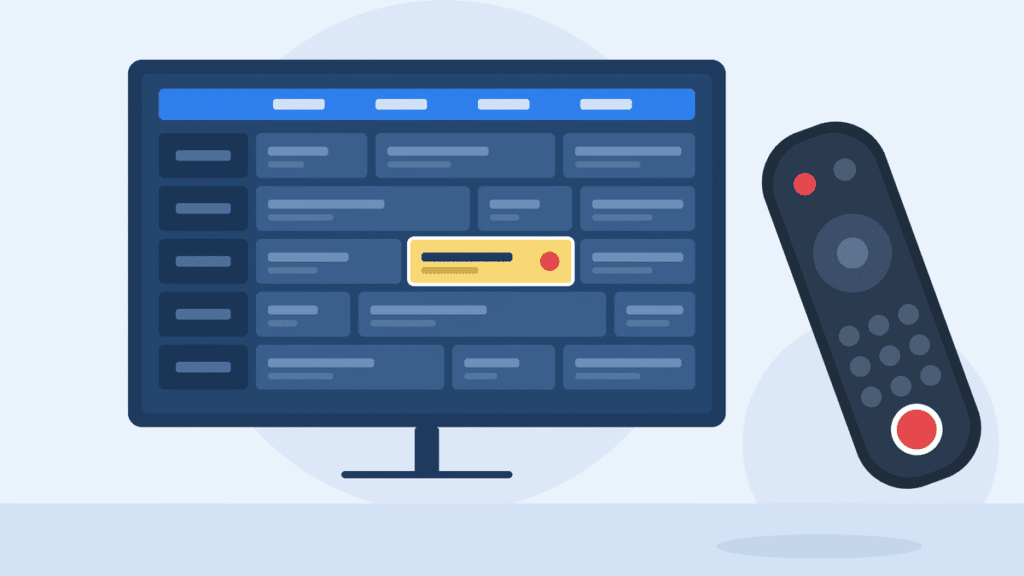
To record on Spectrum, find the program in the guide or search, open its info page and select Record. The exact menus differ slightly between a DVR receiver and the Spectrum TV App.
Record a show on a Spectrum DVR receiver
- Press Guide on your Spectrum remote, or use Search to find the program.
- Highlight the program and press OK to open its info page.
- Select Record. If the show is on now, you can also press the Record button on the remote.
- For a movie or one-time event, recording starts or is scheduled right away. For a TV series, choose whether to record just this episode or the whole series.
Record a show with Spectrum Cloud DVR
- Open the Spectrum TV App on your phone, tablet, TV or streaming device, or go to SpectrumTV.net.
- Find the program in the Guide or with Search.
- Open its info page and select Record for one airing or Record Series for every episode.
- Find your recordings. On iPhone, Android and SpectrumTV.net, go to DVR > My Recordings. On Roku and Apple TV, go to My Library > Recordings (Spectrum). Menu names can vary slightly by device and app version.
How to record an entire series
When you choose a series recording, Spectrum asks which episodes to save:
- New only records first-run episodes and skips reruns. This is the best choice for most shows.
- All episodes records every airing, including repeats.
Two limits trip people up on Spectrum Guide receivers. A series recording can only be set up if the show has an airing scheduled in about the next two weeks, and you can’t set how many episodes to keep (Spectrum Community). “New only” also depends on the guide labeling an episode as new. If the listing data misses that label, the episode won’t record (Spectrum Community).
Protect important recordings: if your receiver’s recording options include Keep Until, set it to I Delete for shows you want to keep. Otherwise, the DVR may remove older recordings automatically when it needs space.
Tip for sports and live events: games often run past their scheduled end time. In the recording options, extend the stop time so you don’t lose the final minutes.
For Spectrum’s own walkthroughs, see its help pages on Spectrum Guide DVR recording, Spectrum Guide DVR series recordings and how to record and view programs on Cloud DVR.
How to Watch, Manage and Delete Spectrum DVR Recordings
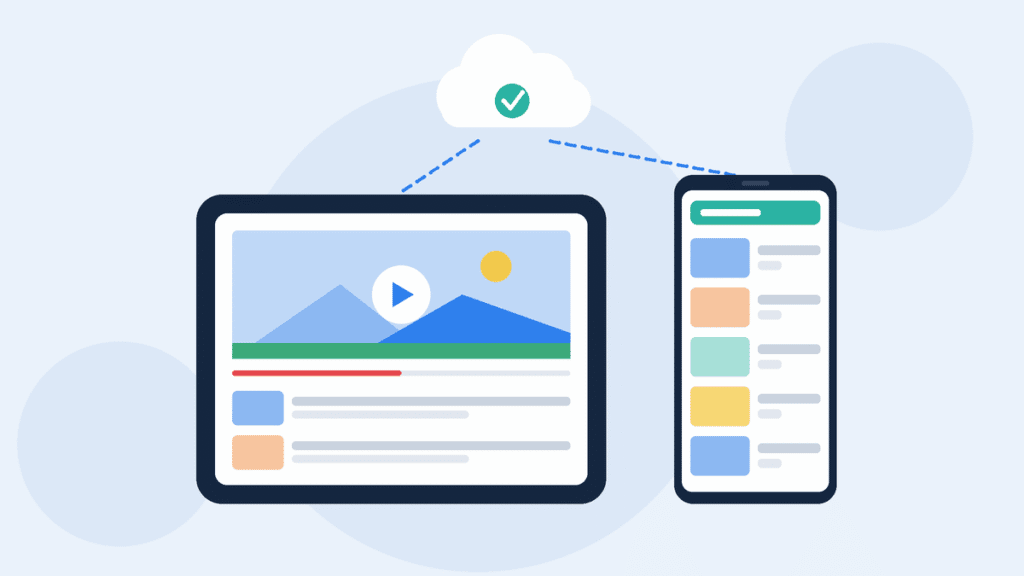
Your recorded shows live in the DVR list on your receiver, or in the DVR or My Library section of the Spectrum TV App. Deleting what you’ve watched keeps a receiver from filling up.
On a Spectrum DVR receiver:
- Watch: press the DVR or List button on your remote, or open My Library, then select a recording and choose Play.
- Delete: highlight the recording, open its options and select Delete.
- Stop a series recording: press DVR, select Scheduled, highlight an upcoming episode and press OK. Then select Get More Info, View Series Info and Cancel Recording, and confirm (Spectrum Community, quoting Spectrum support).
- When the box is full: the receiver warns you so you can choose which shows to remove (Spectrum Community). Depending on your Keep Until settings, it may instead remove older recordings automatically to make room.
With Spectrum Cloud DVR:
- Watch: on iPhone, Android and SpectrumTV.net, go to DVR > My Recordings. On Roku and Apple TV, go to My Library > Recordings (Spectrum). Then select a recording and choose Play.
- Delete: open the recording, select Delete Recording and confirm (Nerds Chalk).
- Expiry: Cloud DVR Unlimited keeps recordings for up to 270 days, while the older standard Cloud DVR plan keeps them for up to 90 days. Recordings expire automatically after that, according to Spectrum’s official Cloud DVR support guide. On the standard plan, the oldest recordings are also deleted automatically once you reach its recording limit (Spectrum Community).
A DVR receiver avoids Cloud DVR’s 270-day limit, but it isn’t a permanent archive. Recordings can still be lost to automatic deletion, a failed hard drive or a replaced box, so watch anything important sooner rather than later.
Why Is My Spectrum DVR Not Recording?
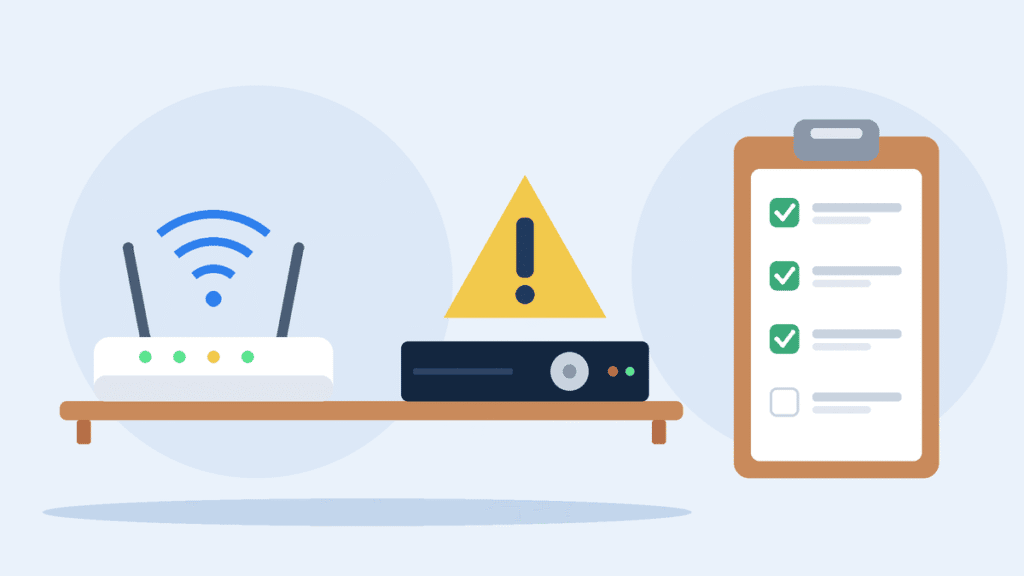
If Spectrum DVR isn’t recording, start by checking available storage, scheduled recording conflicts, program guide information and your service connection. The right fix depends on whether you use a DVR receiver or Cloud DVR, so find what you’re seeing below:
| What you see | Likely cause | What to do |
|---|---|---|
| Nothing new records on your receiver | The hard drive is full of protected recordings | Delete shows you’ve watched, or set fewer recordings to Keep Until: I Delete |
| One show skipped while others recorded | Too many recordings at the same time for your box | Spread recordings out. Spectrum Guide looks ahead up to two weeks and tries to record a later airing (Spectrum Community) |
| A series set to “New only” misses episodes | The guide didn’t label the episode as new | Switch the series to all episodes, or record that episode manually |
| Shows on certain channels fail again and again | Weak cable signal on those channels | Ask Spectrum for a signal and drop line test (Spectrum Community) |
| Cloud DVR can’t schedule a recording (for example, error RCD-1000) | Spectrum doesn’t publish a cause for each code; in one reported case, its moderator pointed to a known service issue | Check for a Spectrum outage, restart your modem and router, and test your internet speed (Spectrum Community) |
| Recordings show on one device but not another | A problem with the Spectrum TV App on that device | Update the app, sign out and back in, then contact Spectrum, which maintains the app (Roku Community) |
| The last few minutes are missing | The program ran past its scheduled time | Extend the stop time in the recording options |
If the receiver itself seems stuck, restart it: unplug it, wait about a minute and plug it back in. Let it fully boot before checking your recordings. If problems continue after that, contact Spectrum, since a faulty receiver can be swapped.
If Cloud DVR doesn’t show up in the Spectrum TV App at all, see Spectrum’s help page on Cloud DVR on the Spectrum TV App.
Can You Use Your Own DVR With Spectrum?
Sometimes, but your options are narrow, and for most people Spectrum’s own DVR receiver or Cloud DVR is the only fully supported way to record. Here is how the common alternatives stack up:
- TiVo: some older TiVo cable DVRs still work with Spectrum through a CableCARD, but this is no longer a dependable option. Spectrum has ended CableCARD support in some areas, telling customers there that their cards may stop working (Spectrum Community), and has warned others that network upgrades may make CableCARDs incompatible (TechHive). Where CableCARDs are still offered, they cost extra ($12 a month on the Queens rate card), may need a Tuning Adapter and can’t get On Demand or pay-per-view. If you already own a TiVo, confirm your setup is still supported. Don’t buy one expecting it to work with a new Spectrum subscription.
- Tablo and most HDHomeRun models: these are antenna DVRs. They record free over-the-air local channels, not Spectrum cable channels. The exception was SiliconDust’s HDHomeRun Prime, which also relies on a CableCARD (TechHive).
- Screen-recording software: many guides suggest this as a workaround. It’s unreliable, since a lot of TV content is copy-protected, and recording it may violate Spectrum’s terms of service.
If you mainly want to record local news and network shows, an antenna DVR can be a low-cost companion to Spectrum. For cable channels, stick with Spectrum’s own DVR options.
Spectrum DVR FAQ
Does Spectrum TV include a DVR?
Not by default. DVR Service and Cloud DVR Unlimited are paid add-ons, though Allconnect reports Cloud DVR is included when you bundle Internet Gig or faster with Spectrum TV (Allconnect).
Can you use Spectrum DVR without a cable box?
Yes. Cloud DVR Unlimited doesn’t require a Spectrum receiver. You record and watch through the Spectrum TV App on a supported device or a Xumo Stream Box.
How long do Spectrum DVR recordings last?
Recordings on a DVR receiver have no fixed expiration date, but the receiver may delete older ones automatically when it runs low on space unless you set them to Keep Until: I Delete. With Cloud DVR Unlimited, each recording is kept for up to 270 days.
How many shows can Spectrum DVR record at once?
It depends on your receiver model. Cloud DVR Unlimited allows unlimited simultaneous recordings.
Can I watch Spectrum DVR recordings away from home?
Cloud DVR recordings can be played in the Spectrum TV App on your phone, tablet or computer. Recordings on a DVR receiver stay on that box and play only on the TV it’s connected to.
Can I move recordings from my DVR box to Cloud DVR?
No. The two services keep separate libraries, so switching from a receiver to Cloud DVR means starting your recordings over. Watch anything you want to keep before you return the box.
Which Spectrum DVR Option Is Right for You?
Based on the Queens, NY, pricing example, Cloud DVR Unlimited costs considerably less than renting a DVR receiver, needs no cable box and works across your TVs, phones and tablets. The best choice still depends on your local rates, viewing habits and equipment.
- Choose Cloud DVR Unlimited if you watch on more than one TV, want your recordings on your phone or tablet, or record several shows at the same time. In the Queens example, it’s $10 a month, or $15 with a rented Xumo box.
- Choose a DVR receiver if you mainly watch on one TV, want to keep recordings with no expiry date, or your home internet is unreliable. In the Queens example, that’s about $28 a month for one TV, including the receiver rental.
Before choosing a DVR option, check Spectrum’s current rate card for your address and confirm whether your TV package or internet bundle includes Cloud DVR. If you mainly watch on one television, a traditional DVR may be more convenient. If you prefer watching recordings across multiple devices, Cloud DVR Unlimited is likely the better choice.

Louis Mugan is a seasoned technology writer with a talent for turning complicated ideas into clear, practical guidance. He focuses on helping everyday readers stay confident in a world where tech moves fast. His style is approachable, steady, and built on real understanding.
He has spent years writing for platforms like EasyTechLife, where he covers gadgets, software, digital trends, and everyday tech solutions. His articles focus on clarity, real-world usefulness, and helping people understand how technology actually fits into their lives.
Outside of his regular columns, Louis explores emerging tools, reviews products, and experiments with new tech so his readers don’t have to. His steady, friendly approach has made him a reliable voice for anyone trying to keep up with modern technology. get in touch at louismugan@gmail.com